 SAMPLED
What Is a MIDI Keyboard and Do You Actually Need One?
A MIDI keyboard makes no sound of its own. Here is what it really does, what MIDI is, and how to tell whether you need one.
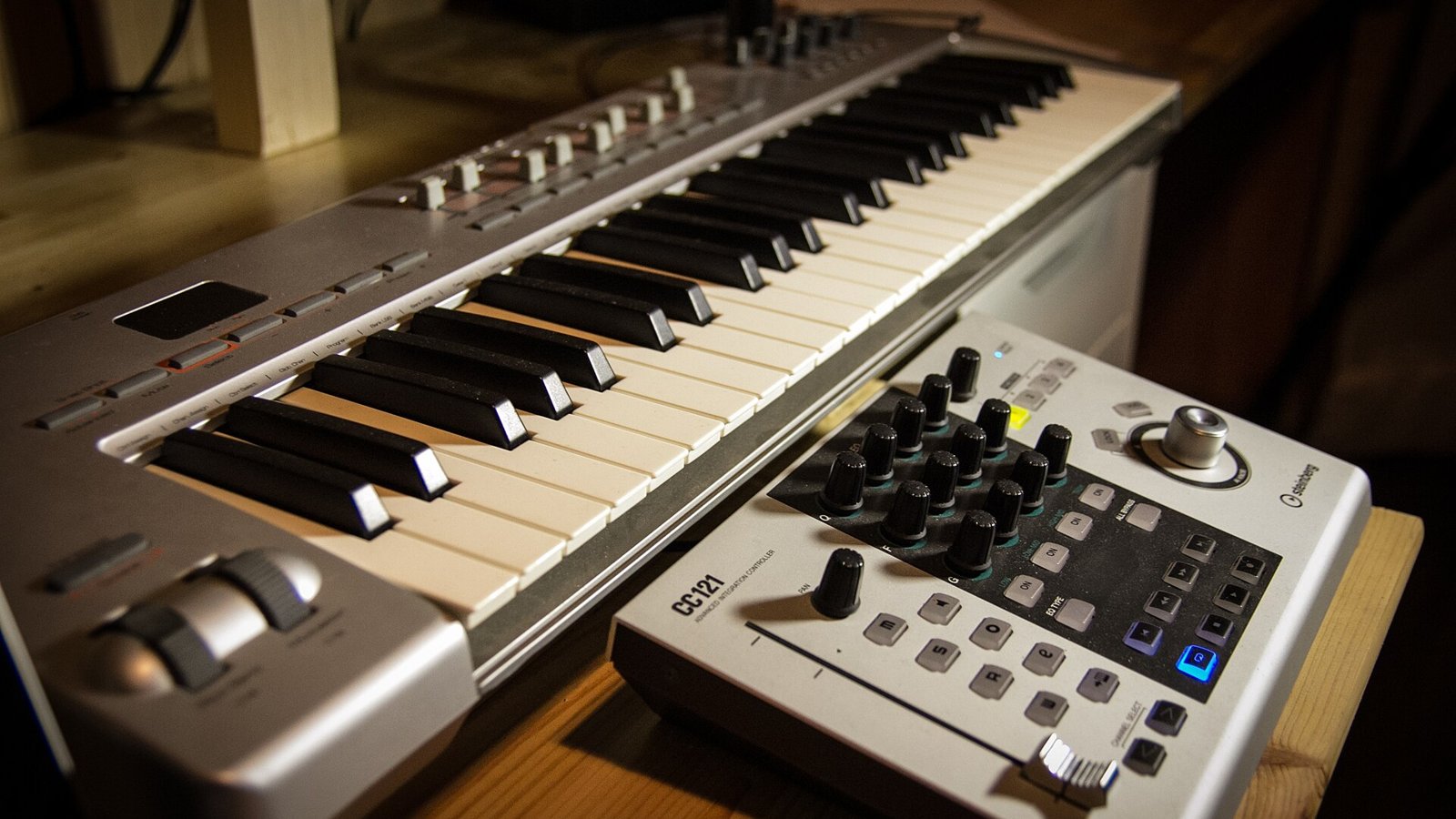
A MIDI keyboard makes no sound.
That is the sentence that clears up ninety percent of the confusion. It looks like a small piano, it has black and white keys, and if you plug it into a wall socket and press a key, nothing happens. It is not broken. It is a controller.
So what does it do?
MIDI stands for Musical Instrument Digital Interface, a standard agreed on back in 1983 that is still running the world's studios today. It is not audio. It is instructions.
Press middle C on a MIDI keyboard and it sends a short message: note number 60, this hard, starting now. Release the key and it sends another: note 60, stopping now. Turn a knob and it sends a different message: controller 74, value 89.
Something else has to receive those messages and make a noise. Usually that is software on your computer — a piano, a synth, a drum kit, an orchestra. Sometimes it is a hardware synth or drum machine connected by a MIDI cable.
Change what receives the messages and the same performance becomes a completely different instrument. That is the whole magic trick.
Why that matters more than it sounds
Because MIDI is instructions rather than recorded sound, everything you play stays editable.
Played a chord slightly out of time? Drag it. Hit one wrong note in an otherwise perfect take? Change that one note. Wrote a bassline that would work better an octave down and in a different key? Two clicks. Decided halfway through that the piano should be a Rhodes? Swap the instrument; the performance is untouched.
None of that is possible with a recorded audio take. This is why producers who cannot play piano still use keyboards: you only have to play it once, badly, and then fix it.
What you can control with it
- Software instruments — synths, sampled pianos, strings, drums
- Hardware synths — through a MIDI DIN port, if your controller has one
- Drum pads — most small controllers include pads for finger drumming
- Knobs and faders — mapped to filter cutoff, plugin parameters, mixer levels
- Transport — play, stop and record in your DAW without touching the mouse
Do you need one?
You can make complete records without one by drawing notes with a mouse. Plenty of people do.
But there is a difference in feel. Notes played by hand land slightly early or late, slightly harder or softer. That variation is what makes programmed parts sound human, and it is the same reason producers keep cheap real instruments around for texture.
Buy one if: you want to write melodies faster, you play any keyboard at all, or your parts sound stiff.
Skip one if: your desk has no room, you work entirely with samples and loops, or you already have a hardware synth with a USB port — it probably works as a MIDI controller too.
What to buy
Under $150 covers everything a beginner needs. Our beginner MIDI keyboard guide goes model by model, but the short version is 25 mini keys for beat makers, 49 keys if you actually play.
You will also need software to make the sound. A lot of it is free — see our free plugin round-up.
Questions people actually ask
Does a MIDI keyboard need a computer? Almost always yes, unless it has a MIDI DIN output feeding hardware that makes sound.
Is MIDI the same as audio? No. MIDI is performance data. Audio is the recording. A MIDI file is tiny; an audio file is not.
Do I need drivers? Usually not. Most controllers are class-compliant and work the moment you plug in the USB cable.
Can I use a real piano as a MIDI keyboard? Only if it is a digital piano with a USB or MIDI port. An acoustic piano sends nothing.
Are weighted keys worth it? If you were trained on piano, yes. If you are programming beats, they are extra weight and extra money.
Can one keyboard control several instruments? Yes, on separate MIDI channels or separate tracks in your DAW. One controller can run an entire arrangement.