 SAMPLED
Can You Use a Game Controller in the Studio? Amazon Luna Creative Uses
It is a cloud gaming pad. It is also one of the cheapest wireless control surfaces you can put in front of a DAW, a camera rig, or a live visual set.
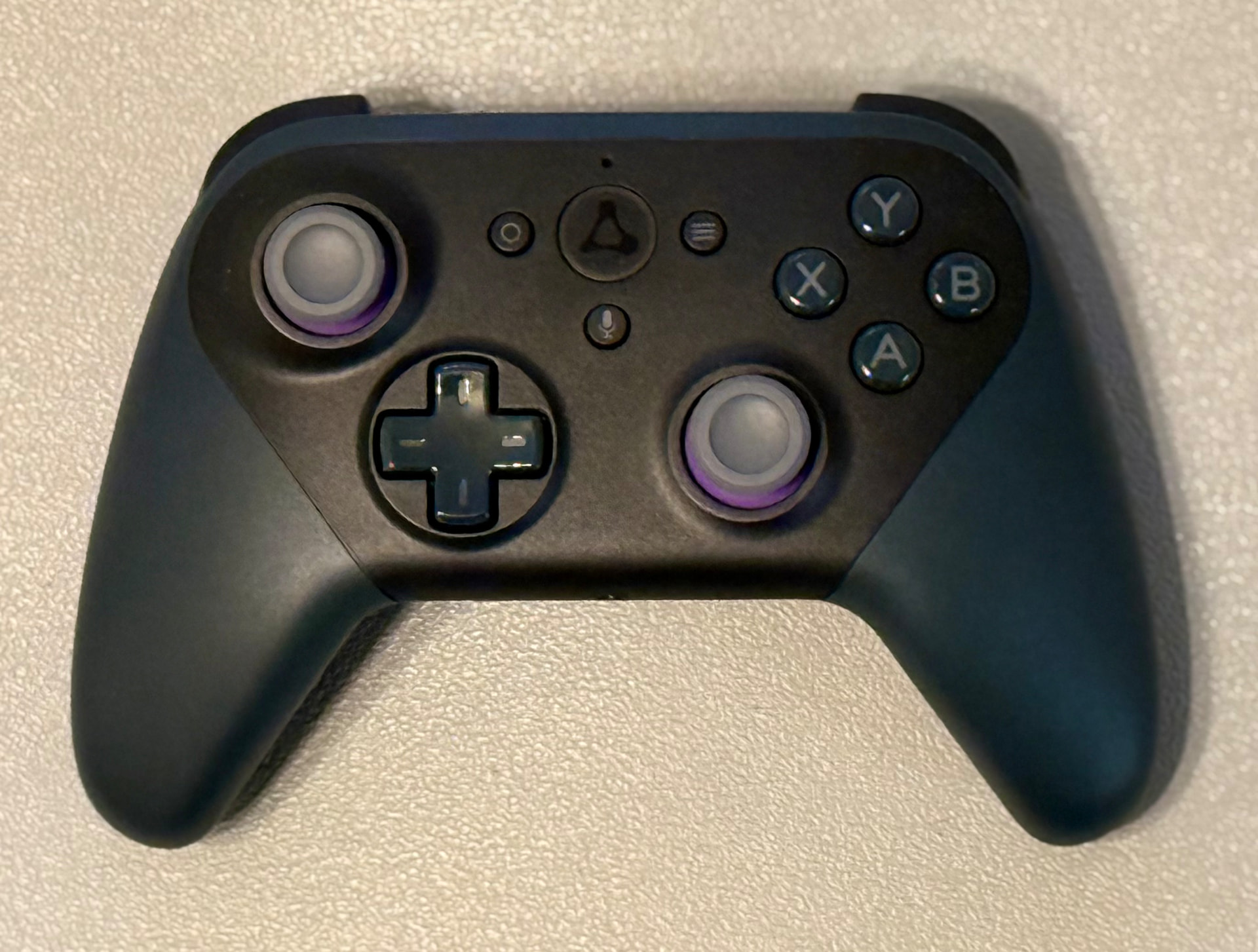
The Amazon Luna Controller (opens in a new tab) was built for cloud gaming, and that is a shame, because most of the time it sits in a drawer between sessions. It is a well-built wireless pad with two analog sticks, a d-pad, four face buttons, two shoulder buttons, two analog triggers, and a microphone button. Underneath the Luna branding it is a normal Bluetooth and USB game controller, and any computer will happily see it as one.
That matters. A controller is just a bundle of buttons and continuous axes waiting to be mapped to something. Once you stop thinking of it as a gaming device, it becomes a cheap, comfortable, wireless control surface for the work you actually do.
Connect it first
Plug it in with USB-C and it shows up as a standard gamepad. Over Bluetooth, hold the Luna button until the light pulses and pair it like any other device. macOS and Windows both recognize it without a driver. Test it in a browser gamepad tester before you map anything, so you know which button index is which.
Grab one here: Amazon Luna Controller (opens in a new tab).
A transport controller for your DAW
The most obvious win. Bridge the gamepad to MIDI with something like Gamepad2MIDI, reWASD, or a small script, then map:
- A — play/stop
- B — record arm
- d-pad left/right — nudge the playhead by a bar
- shoulder buttons — previous/next marker
- left stick Y — scrub the timeline
- triggers — a continuous CC, because they are analog
Now you can track guitar from across the room, run comps from the couch, and stop hitting the space bar with a pick in your hand. The triggers are the part people miss: two smooth, pressure-sensitive faders you can ride into filter cutoff, send level, or wah.
A performance instrument
Two analog sticks give you four continuous axes. Send them to CC and you have a vector joystick for wavetable position, formant, granular scatter, or a filter cutoff and resonance at once. Assign one stick to an XY effect rack in Ableton and it plays like a Kaoss Pad you can hold.
The d-pad is great for scene launching. Shoulder buttons switch banks. It is a very playable little rig for ambient sets and loop-based performance, at a fraction of the cost of a dedicated controller.
OBS, streams, and camera work
Map buttons to OBS hotkeys and the controller becomes a scene switcher you can operate off-camera: scene one, scene two, mute mic, start recording, toggle a source. If you run a PTZ camera, the left stick maps naturally to pan and tilt, and the triggers to zoom. That is a real camera-operator setup built from a spare pad.
Editing and everything else
Video editors already use jog wheels; a thumbstick does the same job. Map the stick to shuttle, the triggers to J and L speed, and buttons to in, out, and ripple delete. The same trick works for photo culling, sample browsing, and stepping through takes in a comp folder.
For live visuals, Resolume and TouchDesigner both accept gamepad input directly. No bridge software needed.
Why this one
Three things make the Luna pad (opens in a new tab) worth keeping around for this: it is comfortable enough to hold for a two-hour session, it runs on AA batteries so it never dies mid-take waiting on a charge, and it is cheap enough that turning one into a permanent studio fixture does not sting. Buy a second and leave one at the tracking position.
The point
Studio gear does not have to come from a music store. A game controller with a mapping layer does most of what a small MIDI controller does, plus things a MIDI controller cannot, like driving your camera and your stream. If you have one in a drawer, get it out. If you do not, it is inexpensive (opens in a new tab).
As an Amazon Associate, Sampled earns from qualifying purchases. Links in this article are affiliate links; the price you pay does not change.