 SAMPLED
What Is a Plugin in Music Production, and Which Ones Do You Need?
VST, AU, AAX, CLAP — what plugins actually are, the difference between instruments and effects, and the handful you genuinely need to start.
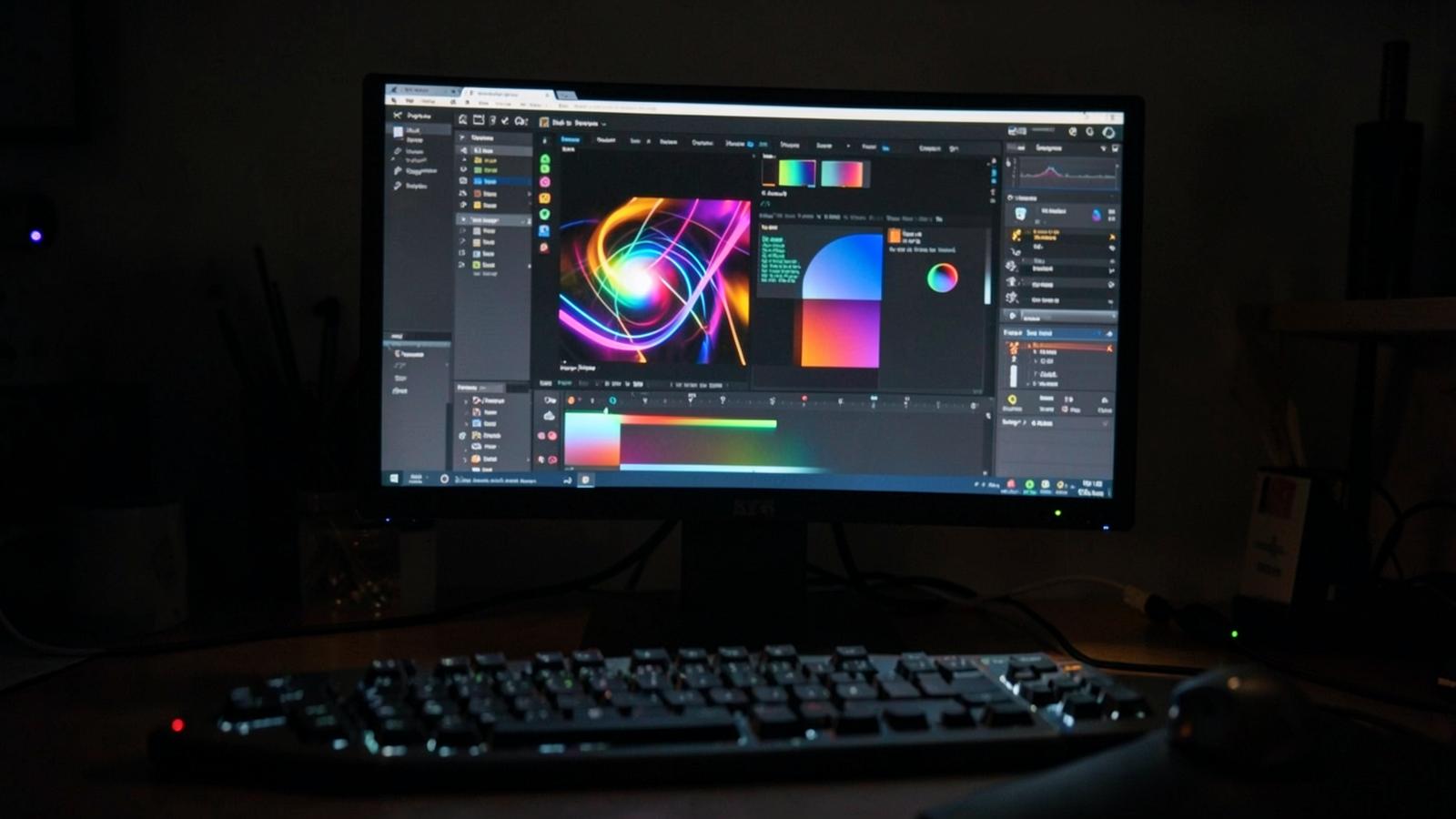
A plugin is a small piece of software that runs inside your recording program instead of on its own.
Your DAW — Ableton, Logic, FL Studio, Reaper, whatever you use — is the host. Plugins are the gear you load into it. Some make sound. Some change sound. Everything else is detail.
The two kinds
Instruments generate audio. A synthesizer, a sampled piano, a drum machine. You feed them notes from a MIDI keyboard or the piano roll, and they make noise.
Effects process audio that already exists. EQ, compression, reverb, delay, distortion, saturation. They sit on a track and change what passes through it.
That is the entire taxonomy. A "plugin chain" is just several effects in a row on one track.
The format alphabet soup
- VST3 — the cross-platform standard, works nearly everywhere on Windows and macOS
- AU (Audio Units) — Apple's format, required by Logic and GarageBand
- AAX — Pro Tools only
- CLAP — a newer open format, increasingly supported, better at modern CPU handling
- VST2 — the old standard, being phased out but still everywhere
Download the format your DAW asks for. Most installers give you all of them and you tick a box.
What you actually need to start
You need fewer plugins than the internet suggests. A complete record needs roughly:
- One EQ — to carve space so instruments stop fighting
- One compressor — to control dynamics and glue things together
- One reverb — to put everything in the same room
- One delay — for depth and rhythm
- One or two instruments — a capable synth and a sampler
That is it. Every one of those exists free, at professional quality, and our free plugin guide names the specific ones worth installing.
Why people buy more anyway
Character. A paid tape emulation or console model is not "better EQ" — it is a particular flavour, coloured the way a specific piece of hardware coloured sound. That is a legitimate thing to want and a terrible thing to buy first.
The order that works is: learn one EQ properly, learn one compressor properly, then buy flavour.
Where sample libraries fit
Sample packs are not plugins — they are audio files you drag into a session. Sample platforms sometimes ship a plugin as a browser, which blurs the line. If you are weighing up subscriptions, our Tracklib and Splice comparison covers what you are actually licensing.
Questions people actually ask
What is the difference between a VST and a plugin? VST is one plugin format. All VSTs are plugins; not all plugins are VSTs.
Do plugins slow down my computer? Yes, each one uses CPU. Reverbs and convolution effects are the heaviest. Freezing or bouncing tracks reclaims the load.
Where do plugins install to? A system plugin folder that your DAW scans on startup — different on Windows and macOS, and the installer usually picks the right one. If a plugin does not appear, rescan in your DAW's preferences.
Are free plugins as good as paid ones? For the core five above, yes, genuinely.
Is it safe to download plugins? From the developer's own website, yes. From a torrent or a "free download" mirror, absolutely not — cracked installers are the most common way a studio machine gets infected.
How many plugins should I own? Fewer than you think. Producers with three plugins they know inside out beat producers with three hundred they cannot remember.