 SAMPLED
How Is AI Changing the Way Audio Plugins Are Made?
Producers who never wrote a line of code are describing effects in plain words and hearing them in their DAW minutes later. Here is why that is good news for indie creators.
Disclosure: The Author owns Sampledex (DBA) and separately owns and operates Sampled. Sampled is a separate business and is not a division, product, or subsidiary of Sampledex or its parent company.
For most of music software history, making your own audio plugin meant learning C++, a plugin framework, real-time audio rules and a stack of build tools. A producer with a great idea for a weird delay usually had two choices: learn to be a software engineer, or wait for a company to build something close enough.
That is changing fast in 2026. A new wave of tools lets producers and sound designers describe a plugin in plain words, have an AI coding assistant write the code, and hear the result in their DAW. The people gaining the most are not big software companies. They are bedroom producers, small sound designers and one-person plugin shops.
What does "vibe coding" a plugin actually mean?
"Vibe coding" is the nickname for building software by describing what you want to an AI and steering it with feedback. For plugins, it looks like this: you type something like "a ping-pong delay with a tape-style wobble and a mix knob," the AI writes the processing code and the controls, and the tool builds it into a VST3, AU or CLAP plugin you can load like any other.
A September 2026 guide from Amorph puts it bluntly: the code is no longer the hard part of making a plugin (opens in a new tab). What used to take weeks of setup can now start with a sentence.
Which tools are making this possible?
Several projects launched or grew this year, and most of them are aimed squarely at musicians rather than engineers:
- Audio Plugin Coder (APC) is a free, open-source framework under the MIT license that guides you from idea to finished VST3/AU plugin with AI help, built on JUCE. Its latest version added beta support for the CLAP format. (GitHub (opens in a new tab))
- freqlab is a Mac app for building VST3 and CLAP plugins through conversation. Its creator says he built it to assist producers' creative process rather than replace it, and it offers a name-your-price option. (GitHub (opens in a new tab))
- Pook lets you describe a plugin to the AI assistant you already pay for and hear it in your DAW minutes later, with VST3, AU and AAX output for Mac and Windows — and you can sell what you make. (pookaudio.com (opens in a new tab))
- Warp is an early-access plugin builder that lives inside your DAW as a plugin window, compiles changes in seconds, and lets you export real VST3/AU files and share builds with others. (warp.audio (opens in a new tab))
- Amorph is a free runtime that sits on a track in your DAW and builds an instrument, effect or MIDI tool from a written description, live while the session plays. (Amorph guide (opens in a new tab))
- MUSE is an open-source language designed so AI agents can write plugins in about 30 readable lines and test them before building VST3/CLAP files. (GitHub (opens in a new tab))
If you are new to the idea of plugins in general, start with our explainer on what a plugin is in music.
Why is this good news for indie creators?
Your ideas no longer wait on a developer. The sound in your head — a specific saturation, a strange stutter, a reverb that only exists on one record you love — can become a tool you actually use this week.
Small teams can compete. A one-person plugin company used to need a coder, a designer and months of runway. Now a producer with taste and patience can prototype a product in an afternoon and spend their energy on what makes it sound special.
You keep ownership. Many of these tools hand you plain source code on your own drive, so the plugin is yours to keep, change and, in several cases, sell.
It is cheap to experiment. Several options are free, open source or name-your-price. That matches the spirit of the free tools so many of us already rely on — see our best free plugins of 2026 list.
What does the new workflow look like?
The loop most of these tools share is simple:
- Describe it. Write what the plugin should do and what knobs it needs.
- Let the AI build it. It writes the code and compiles it.
- Listen. Load it on a track — several tools reload changes while the music keeps playing.
- Refine. "Make the feedback wilder." "Add a low cut." Each tweak is one message away.
- Ship it. Export a plugin file, share it, or package it to sell.
This puts producers back in the role they are best at: listening and making taste decisions.
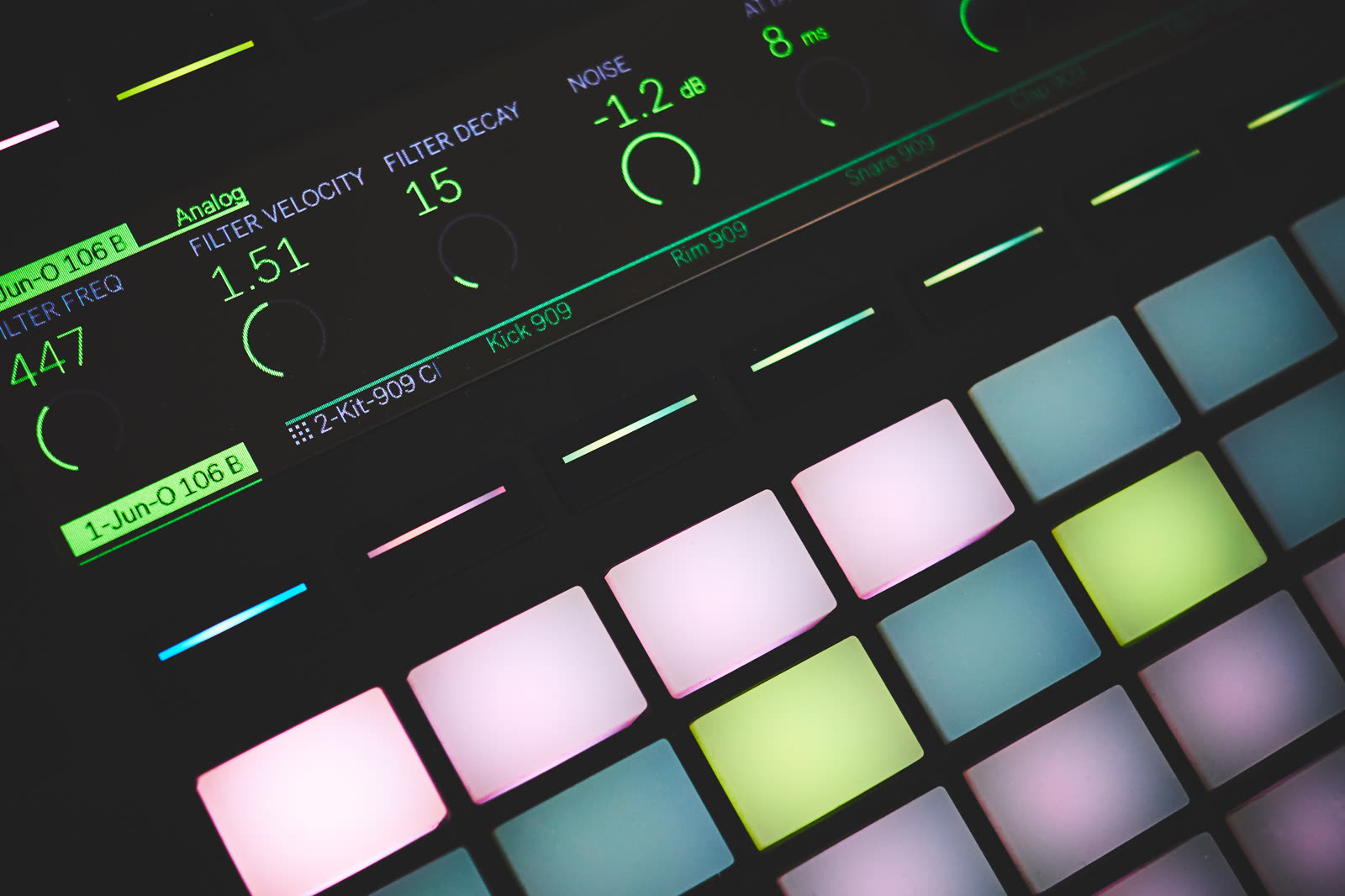
 Photo: Dejan Krsmanovic via Wikimedia Commons (opens in a new tab), CC BY 2.0
What should you still keep in mind?
Being positive does not mean skipping the homework. Builders of these tools are upfront that the hard parts have moved, not vanished: real-time safety (no clicks or crashes under load), testing across different DAWs, code signing, and maintaining code you did not personally write. APC, for example, labels its new CLAP support as beta and not yet fully tested.
A few habits help:
- Test your plugin in more than one DAW and at different buffer sizes.
- Keep versions so you can roll back when a change breaks the sound.
- If you plan to sell, budget time for installers, signing and support emails.
- Treat the AI like a fast assistant, not the final word — your ears are the quality check.
Where does Sampledex fit in?
Sampledex (opens in a new tab) is a good example of how small a plugin maker can be today. It is a tiny independent team shipping free tools for beatmakers, including the free Sampledex Effect Shift multi-effect for iPhone and iPad and plugins like Indie Verb 2. The new wave of AI coding tools is the kind of help that lets an indie shop like this move faster on the behind-the-scenes work, while the sound itself still comes down to human ears and taste. Notably, the Sampledex DAW itself took the AI features out in version 0.19.0, keeping the app focused on hands-on music making.
Want to try it? Download the new Sampledex DAW at sampledex.audio (opens in a new tab). It comes with Sampledex's own Indie Redline EQ and Indie Motion Synth, so you can start shaping sounds right away.
Where is this heading?
The bigger picture is encouraging. AI is not replacing the producer here — it is replacing the barrier between a producer's idea and a working tool. Instead of everyone using the same handful of famous plugins, we may start hearing more records built on one-of-a-kind effects made by the artists themselves.
If you want a place to try your creations, our guide to the best free DAWs going into 2027 covers hosts that cost nothing, and the open-source SoundCraft already loads CLAP plugins — one of the formats several of these builders export.
The tools are here, many of them are free, and the only real requirement is an idea worth hearing.