 SAMPLED
The Lane You Are Missing
Hidden Revenue Stream for Music Creatives: how AI coding tools let producers build, sign and sell their own plugins.
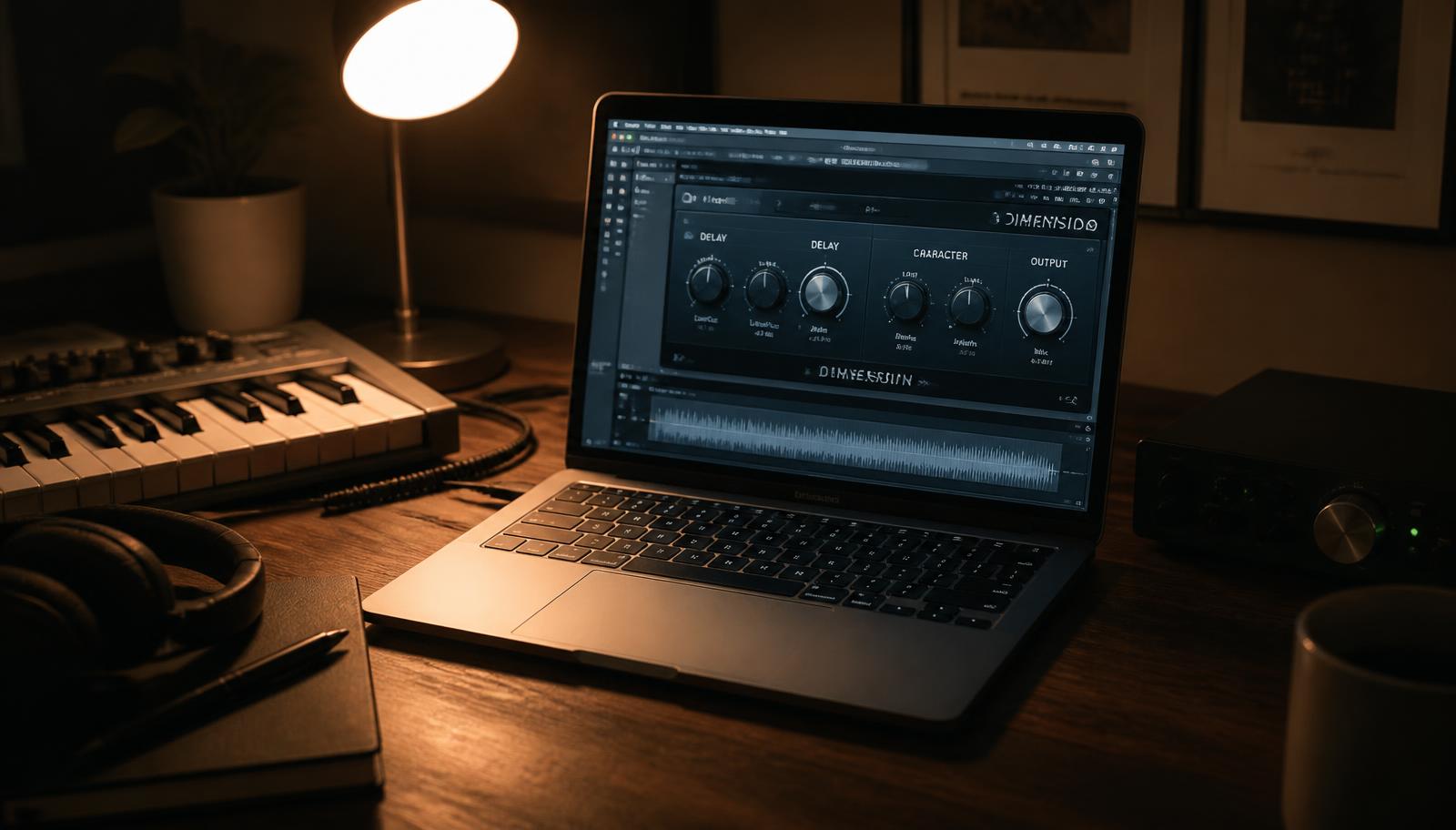
Most producers sell beats, mixes, or their time. All three stop earning the moment you stop working. There is a fourth lane sitting right next to you, and until recently it was closed to anyone who could not write C++: selling your own audio plugin.
That gate is gone. AI coding assistants — OpenAI Codex, Claude Code, Cursor, GitHub Copilot — can carry a musician who understands sound but not code from an idea to a signed, downloadable product. Not a toy. A real .vst3, .au and .aax that loads in someone else's session and takes their money at checkout.
Why plugins are the smartest product a music creative can own
- You already have the expertise. You know what a bad de-esser feels like. Most plugin startups are engineers guessing at that.
- Zero marginal cost. The 400th download costs the same as the first: nothing.
- You already have the audience. A producer with 3,000 engaged followers who sells a $29 plugin to 2% of them has made $1,740 from a weekend build.
- It compounds. A plugin sells for years. A beat sells once.
- It is credibility. "I make plugins" opens doors that "I make beats" does not.
Step 1: pick a problem, not a product category
Do not build "a compressor." Build the thing you keep doing by hand. Real examples that started as annoyances:
| The annoyance | The plugin |
|---|---|
| Rebuilding the same vocal chain every session | A one-knob chain with your presets baked in |
| Chopping the same drum bus tricks | A transient + saturation combo with three moves |
| Manually nudging samples to the grid | A drag-and-drop flip utility |
| Referencing tracks by switching outputs | An A/B loudness-matched reference tool |
Narrow wins. "The lo-fi tape flutter I use on everything" beats "a multi-effect suite" every single time.
Step 2: let the AI write the plugin
The standard route is JUCE, a C++ framework that builds VST3, AU and AAX from one codebase. You do not have to learn it. You have to describe things clearly.
Open Codex (or Claude Code) in a folder and start like this:
Set up a JUCE audio plugin project called TapeFlutter. It should build as VST3 and AU on macOS and VST3 on Windows. Give it three parameters: Wow (0–100%), Flutter (0–100%) and Mix (0–100%). Explain each file you create.
Then iterate the way you iterate on a mix:
- "The flutter sounds like pitch noise. Make the modulation smoother and slower."
- "Add a simple GUI with three knobs and the plugin name at the top."
- "It crashes when the sample rate changes. Fix it and tell me why it happened."
- "Add a preset menu with five presets I will name."
Budget a few weekends, not a few hours. Your first build will be ugly and will crash. That is normal and the assistant will help you fix it.
Step 3: the developer accounts — Codex will walk you through both
This is the part that stops people, and it is exactly the part AI assistants are good at, because it is bureaucracy with rules.
Apple. You need an Apple Developer Program membership, currently $99/year, to get the certificates that let macOS open your plugin without a scary warning. Ask the assistant: "Walk me through enrolling in the Apple Developer Program as an individual, then creating a Developer ID Application certificate and an app-specific password for notarization." It will tell you which page to be on and which button to press, in order.
Windows. Windows uses SmartScreen rather than a hard block, but an unsigned installer will warn every buyer. You need a code-signing certificate from a certificate authority (Sectigo, DigiCert and similar), and since 2023 the private key must live on hardware or in a cloud HSM. Prices are typically a few hundred dollars a year, and an OV certificate requires verifying your business identity. Ask: "Explain the difference between OV and EV code signing certificates for a solo developer shipping a VST3 on Windows, and what documents I need for validation."
Step 4: signing and notarizing — the assistant can do this with you
Signing is a command-line job, which means an AI assistant can write the exact commands for your machine and your certificate names.
On macOS, the shape of it is: sign the plugin bundle with your Developer ID, zip it, submit it to Apple's notary service, wait for the ticket, then staple that ticket to the bundle. Ask Codex: "Write me a shell script that codesigns my VST3 and AU with my Developer ID, submits them for notarization with notarytool, and staples the ticket. Add checks so it stops if any step fails." Then have it wrap the whole thing into a .pkg installer.
On Windows, you sign the DLL and the installer with signtool against your hardware token or cloud HSM, then verify the signature. Same approach: "Write a PowerShell script that signs my VST3 and my Inno Setup installer with my certificate and verifies the result."
Step 5: shipping and getting paid
You do not need a custom store. You need a checkout, a delivery mechanism, and a licence.
Shopify + FileFlare. Shopify handles payments, taxes, discount codes and the storefront; FileFlare is a digital-delivery app that attaches your macOS and Windows installers to the product and emails buyers a secure, expiring download link after purchase. It handles download limits and re-sends, which is the support ticket you would otherwise be answering forever.
moonbase.sh. A lighter option built for exactly this: sell software downloads with licence keys without standing up a whole storefront. Good when the plugin is the only thing you sell and you want to be live this week.
Either way, decide three things before launch:
- Licensing. Honour-system serial, an online activation check, or nothing at all. Plenty of successful small plugins ship with a name-embedded serial and no phone-home. Piracy is not your bottleneck at this stage; obscurity is.
- Trial. A time-limited demo or a version that mutes for two seconds every minute converts far better than screenshots.
- Updates. Publish a version number and a changelog from day one. Ask the assistant to add an "check for updates" link in the GUI.
A realistic first-year picture
| Line item | Rough cost |
|---|---|
| Apple Developer Program | $99/year |
| Windows code signing certificate | $200–$500/year |
| Shopify plan | ~$29–$39/month |
| FileFlare or moonbase.sh | Free tier to ~$20/month |
| JUCE (personal/indie revenue tier) | Free under the revenue threshold — check current terms |
Call it under $1,000 to be fully legitimate on both platforms. At $29 a copy that is roughly 35 sales to break even, and everything after that is margin on a product you can keep selling while you sleep.
Start this week
- Write down the one thing you do by hand in every single session.
- Open an AI coding assistant and ask it to scaffold a JUCE plugin that does only that.
- Get it loading in your DAW — even broken, even silent. That single moment is where most of the fear goes.
The lane is open, it is not crowded, and the people best positioned to fill it are the ones who already know what a record is supposed to sound like.