 SAMPLED
What Computer Do You Need to Run a DAW?
How much RAM, CPU power and storage music software really needs, what makes a DAW stutter, and how to get more out of the computer you already own.
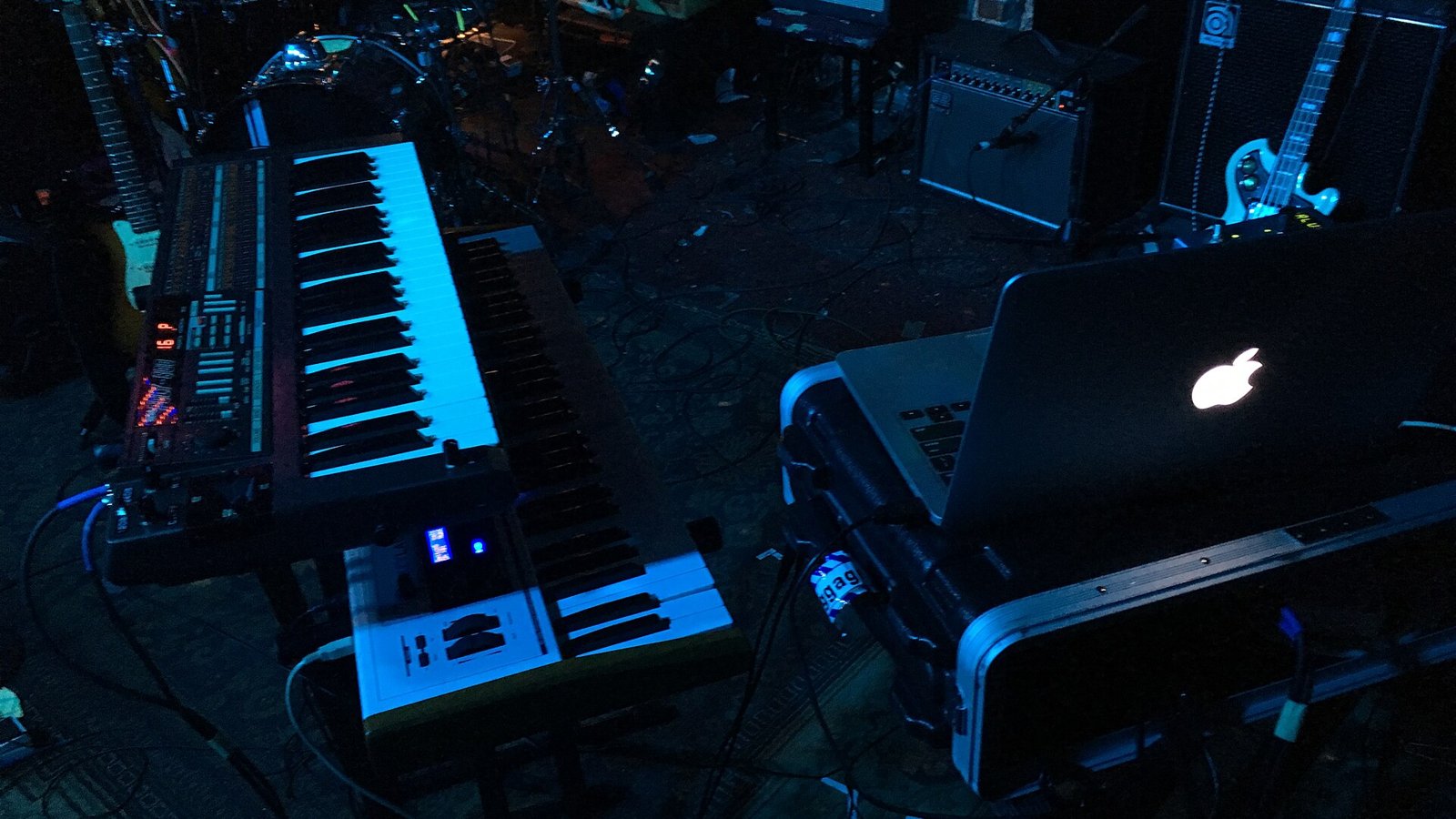
You don't need a top-of-the-line computer to make music. Plenty of released songs were made on laptops that were years old. What matters is knowing which parts of a computer a DAW (digital audio workstation) actually uses, so you spend money where it counts.
What does a DAW use most: CPU, RAM or storage?
All three, but for different jobs:
- CPU (processor): handles real-time work like plug-in effects, virtual synths and playback. When the CPU runs out of headroom, you hear clicks, pops and dropouts.
- RAM (memory): holds samples and sample-based instruments. Big orchestral libraries and drum kits use the most.
- Storage (SSD): loads projects and streams large sample libraries. A slow drive means long load times and crackles with big libraries.
How much RAM do you need for music production?
A rough guide:
| Your music | RAM |
|---|---|
| Beats, loops, a few synths | 8GB works, 16GB is comfortable |
| Full songs with many tracks and plug-ins | 16GB |
| Big sample libraries, orchestral, film scoring | 32GB or more |
If you're buying new today, 16GB is the sensible minimum. Many laptops can't be upgraded later, so buy the RAM you'll need in three years, not just today.
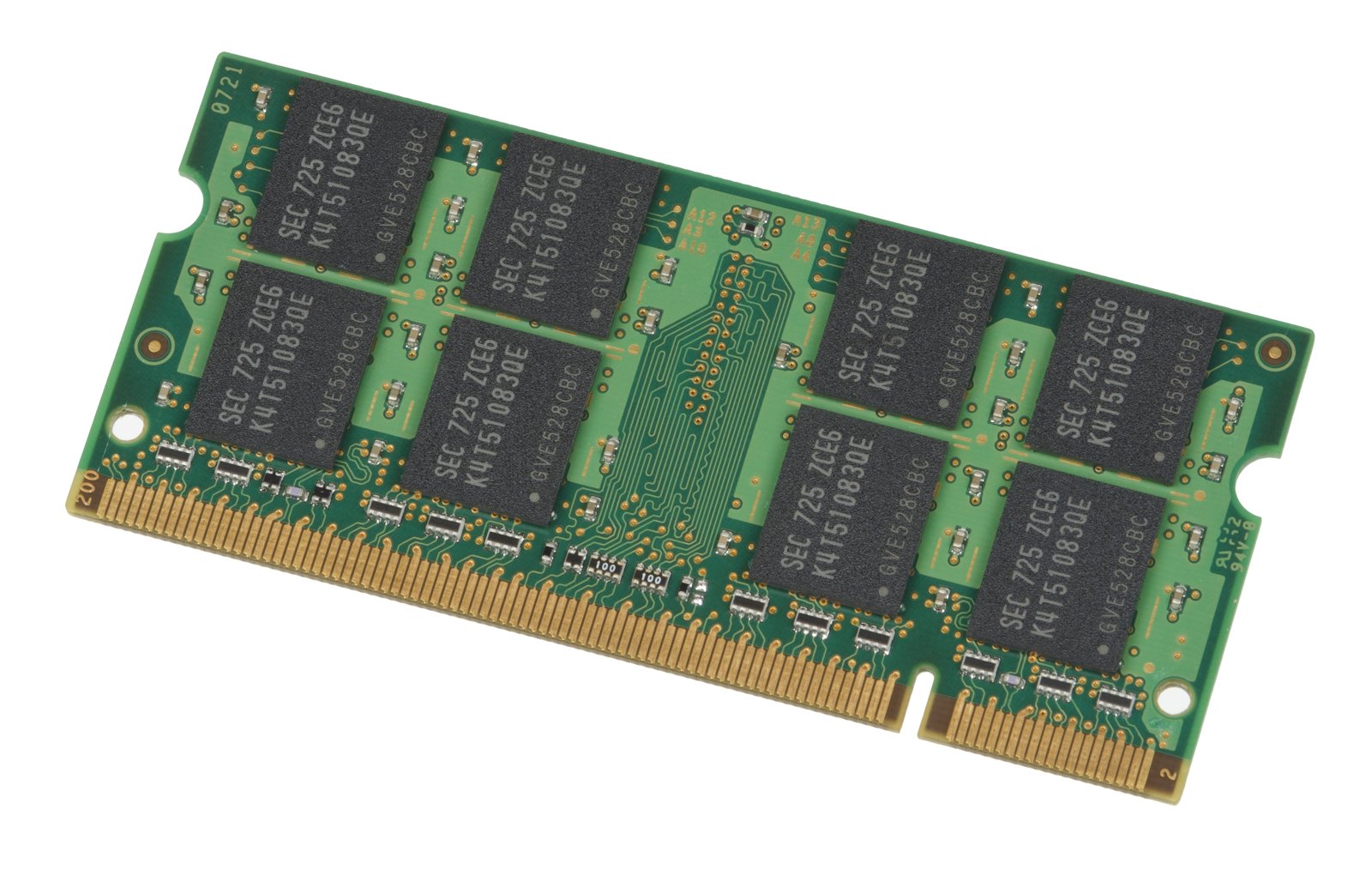 Photo: Evan-Amos via Wikimedia Commons (opens in a new tab) (public domain)
Does CPU speed matter for a DAW?
Yes. Two things matter:
- Single-core speed matters most. A DAW often processes one chain of effects on one core, so a single heavy track can max out one core while the others sit idle.
- More cores help when your project has lots of tracks, because the DAW can spread separate tracks across cores.
Any recent mid-range processor is fine for most home producers. Apple Silicon Macs (M-series chips) and current Intel Core and AMD Ryzen chips all handle large projects well.
Do you need an SSD for music production?
Yes — it's the best upgrade for the money. An SSD (solid-state drive) loads projects and sample libraries many times faster than an old spinning hard drive. A common setup:
- Internal SSD for your system, your DAW and current projects.
- External SSD for sample libraries and finished projects.
- A separate backup drive or cloud backup. Every producer loses a project eventually; backups decide whether it hurts.
Get at least 512GB internal if you can. Sample libraries fill drives fast.
Mac or PC for a DAW?
Both work. Pick based on the DAW you want and the computer you're comfortable with:
- Logic Pro and GarageBand only run on Mac.
- FL Studio, Ableton Live, Pro Tools, Studio One, Cubase, Reaper and Bitwig run on both.
- Macs are known for stable audio drivers out of the box and quiet, cool-running laptops.
- PCs give you more choice, easier upgrades and more power per dollar.
Why does my DAW keep crackling and popping?
Usually it's the buffer size. The buffer is how much audio the computer prepares ahead of time:
- Small buffer (64–128 samples): low delay, good for recording, but harder on the CPU.
- Large buffer (512–1024 samples): more delay, but much smoother playback when mixing big sessions.
Use a small buffer when recording and a large one when mixing. That one setting fixes most crackling.
How can you make an old computer run a DAW better?
- Freeze or bounce tracks to audio so heavy plug-ins stop using CPU.
- Use send effects — one reverb on a bus instead of a reverb on every track.
- Close the browser and other apps while you work.
- Plug in your laptop and set its power mode to high performance.
- Use an audio interface instead of built-in sound. It has better drivers and lower delay. See our guide to audio interfaces for home studios.
The bottom line
For most home producers, a computer with a recent mid-range processor, 16GB of RAM and an SSD will run any major DAW well. Spend extra on RAM if you use big sample libraries, and on a fast CPU if you stack lots of plug-ins. Then learn the buffer setting and track freezing; they'll get you further than a new computer.
Looking for software to run on it? Start with our guide to the best free DAWs for beginners.