 SAMPLED
Production and recording · updated 2026-08-16
BUFFER SIZE
How many samples your interface collects before handing them to the CPU. Small buffers mean low latency and more dropouts; big buffers the reverse.
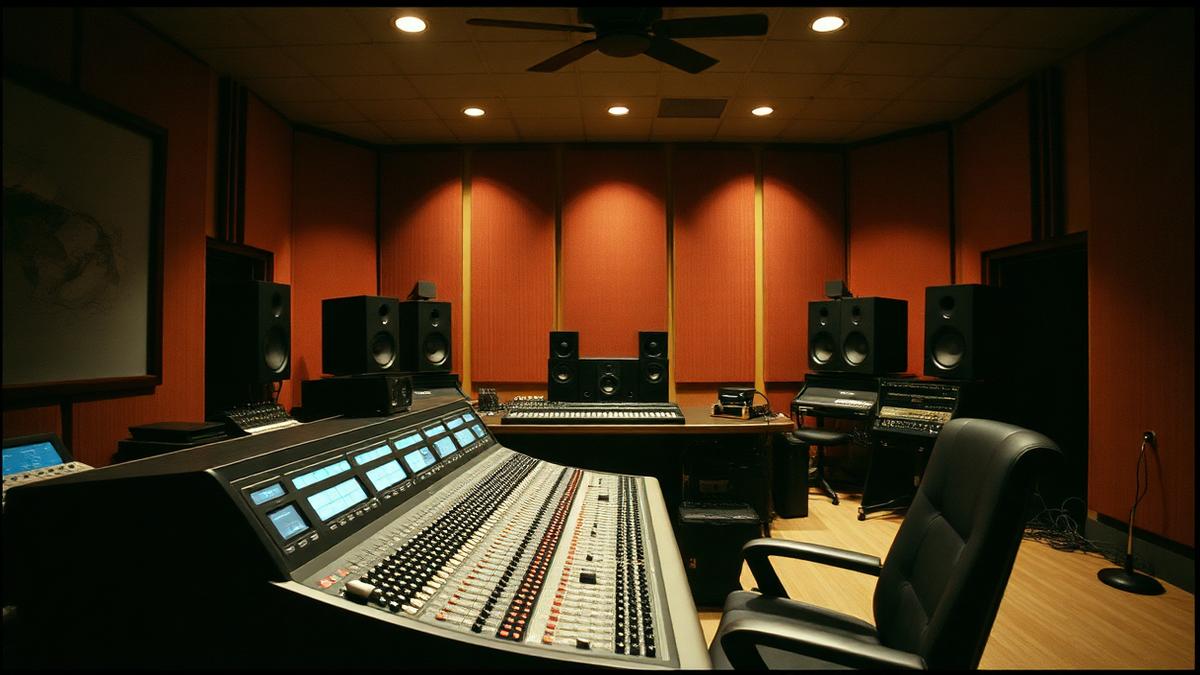
Photo: Gooi & Vecht Studio, Audio 1 control room with Nuendo 6.5 (opens in a new tab) by Marco Raaphorst (opens in a new tab), via Wikimedia Commons — CC BY 2.0 (opens in a new tab)
Key takeaways
- How many samples your interface collects before handing them to the CPU.
- Small buffers mean low latency and more dropouts; big buffers the reverse.
- Small buffers mean low latency but heavy CPU load and dropouts; large buffers mean stable playback but delay that makes performing awkward.
- 128 samples for tracking, 512 or 1024 for mixing.
- Watch out: leaving the buffer at 64 through the whole project.
Quick checklist
- Can you define buffer size in one sentence without looking?
- Can you point at buffer size in a real session, mix or contract?
- Have you tried the practical move above at least once?
- Would you catch the common mistake before it costs you a take?
- Have you opened one of the primary sources below rather than a forum thread?
BUFFER SIZE IN DEPTH
The buffer is how many samples your computer processes in one chunk. Small buffers mean low latency but heavy CPU load and dropouts; large buffers mean stable playback but delay that makes performing awkward.
How it works in practice
128 samples for tracking, 512 or 1024 for mixing. Changing it per stage is a normal part of the workflow, not a compromise.
The mistake people make
Leaving the buffer at 64 through the whole project. It burns CPU for no benefit once you stop recording live parts.
WHERE BUFFER SIZE SITS
Buffer size belongs to production and recording in the Sampled music glossary. Studio words: what the gear does, what the engineer is asking for, what the session sheet means.
TERMS THAT DEPEND ON BUFFER SIZE
- Latency
The delay between playing something and hearing it back through the computer. Set by buffer size and interface drivers.
TEST YOURSELF
0/3 answered · 0 correct
3 quick questions on buffer size. Answers are marked instantly — nothing is sent anywhere.
1. Which statement best describes buffer size?
2. What is the mistake people most often make with buffer size?
3. In practice, which of these applies to buffer size?
Ready for the full thing? Take the 25-question terminology test and get a certificate with your name and score.
SOURCES AND CITATIONS
Free, primary references for buffer size — standards bodies, manufacturers, government offices and university course material. Each one lists the line of this entry it backs up.
- Apple — Logic Pro User Guide (opens in a new tab)
Primary reference · support.apple.com
“How many samples your interface collects before handing them to the CPU.”— the claim this source supports
Why it counts: Published by the organisation responsible for the thing being defined, so it is a first-hand source rather than a summary of one.
- Steinberg ASIO information (opens in a new tab)
Primary reference · steinberg.net
“Small buffers mean low latency and more dropouts; big buffers the reverse.”— the claim this source supports
Why it counts: Published by the organisation responsible for the thing being defined, so it is a first-hand source rather than a summary of one.
RELATED TERMS IN PRODUCTION AND RECORDING
Back to the full music glossary or read our latest articles.