 SAMPLED
What Equipment Do You Need to Start a Video Podcast at Home?
A home podcast studio built from gear I actually use: a 4K webcam, a pair of tracking PTZ cameras and the headphones every broadcast booth already owns.
Disclosure: this guide contains Amazon affiliate links. If you buy through them, Sampled may earn a small commission at no extra cost to you.
Most "podcast equipment" lists start with a $400 microphone and end with a lighting kit you will never assemble. This one starts with what is actually sitting on my desk. Everything below is gear I have photographed and used for beat videos, livestreams and sit-down conversations, and it covers the three things a video podcast needs: a clean picture, a second angle and honest monitoring.
What is the minimum podcast setup for beginners?
For a one-person video podcast you need four things:
- A camera that looks good in a dim room.
- Headphones that let you hear exactly what the recording hears.
- A microphone (a USB mic is fine to start).
- Free recording software — any free DAW or recorder works.
Two people on camera? Add a second camera angle. That is the whole list. Everything else is an upgrade.
Which webcam is best for a video podcast?
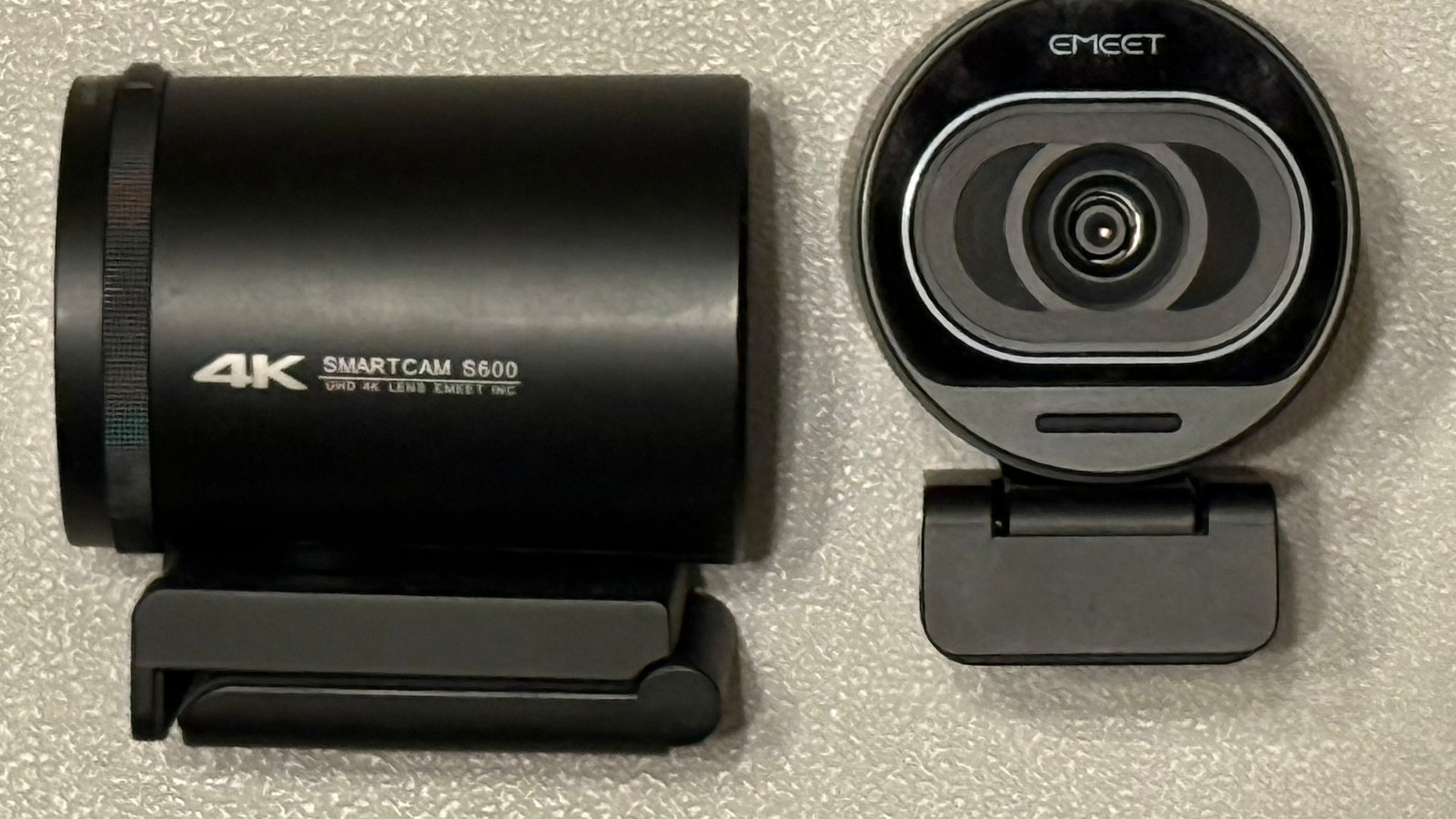
The EMEET SmartCam S600 (opens in a new tab) is my pick for the main shot. It is a 4K USB webcam with a Sony 1/2.55-inch sensor and phase-detection autofocus, and it sells for well under $100.
Why it works for podcasts:
- The bigger sensor handles low light. A home studio lit by one lamp and a monitor still looks usable instead of grainy.
- The autofocus doesn't hunt. When you lean toward the mic to make a point, the picture stays sharp instead of blurring and snapping back.
- It is plug and play. It shows up in OBS, Zoom, Riverside and StreamYard without drivers.
- It has a lens cover, which matters when the camera lives on your desk full-time.
One warning: the S600 has built-in microphones, but don't use them for your show audio. They are fine for calls, not for a podcast. Read the full EMEET S600 review for the details.
Do you need a second camera for a podcast?
You don't need one, but a second angle is the fastest way to make a podcast look professional. Cutting between a wide shot and a close shot hides edits and keeps viewers watching clips on YouTube, TikTok and Instagram.
This is where PTZ cameras come in. PTZ stands for pan, tilt and zoom: the camera head physically moves to keep you framed. I run two EMEET PIXY cameras: the EMEET PIXY dual-camera 4K PTZ with tripod (opens in a new tab) and the EMEET PIXY with remote (opens in a new tab). Same camera, two bundles.
How I'd set them up for a podcast:
- Tripod bundle: put it off to the side as your wide shot of the whole table.
- Remote bundle: keep it near you and use the remote to jump between saved positions — host, guest, or both.
- AI tracking: turn it on for solo shows so the camera follows you when you move to a keyboard or a guitar.
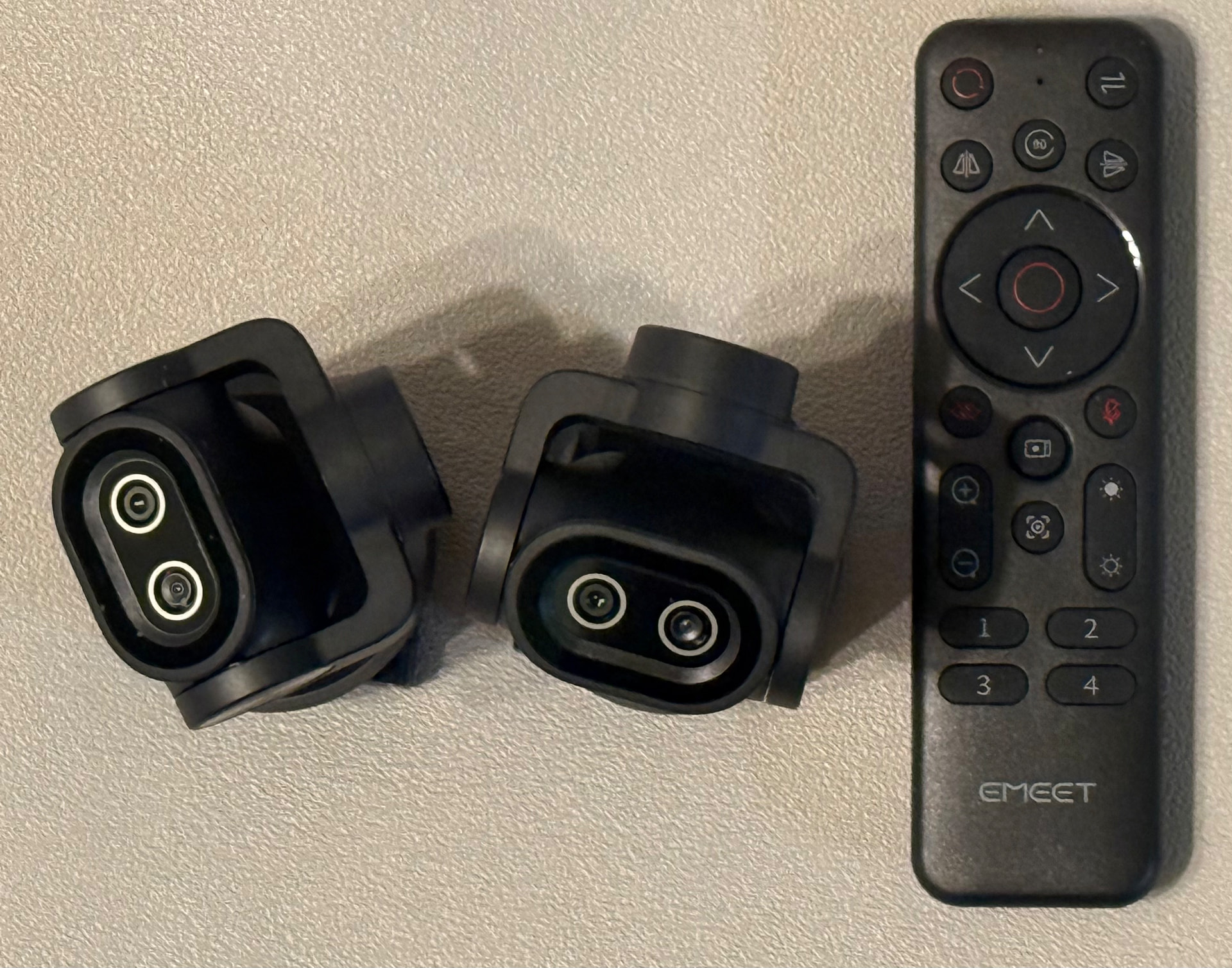 Photo: Robert Anthony / Sampled
If you only buy one camera now, start with the S600 and add a PIXY when you are ready for a second angle. The PIXY review explains the tracking in more depth.
What headphones do podcasters use?
Walk into almost any radio station or podcast booth and you'll see the Sony MDR-7506 (opens in a new tab). They have been the broadcast standard since 1991 for good reasons:
- Closed-back design, so the sound doesn't leak into your mic.
- Detailed sound that shows mouth clicks, background hum and plosives before your listeners hear them.
- Tough construction and replaceable ear pads.
- Usually under $100.
Buy one pair per person on the show. Everyone should hear themselves while recording — it's the easiest way to stop people from drifting off the mic.
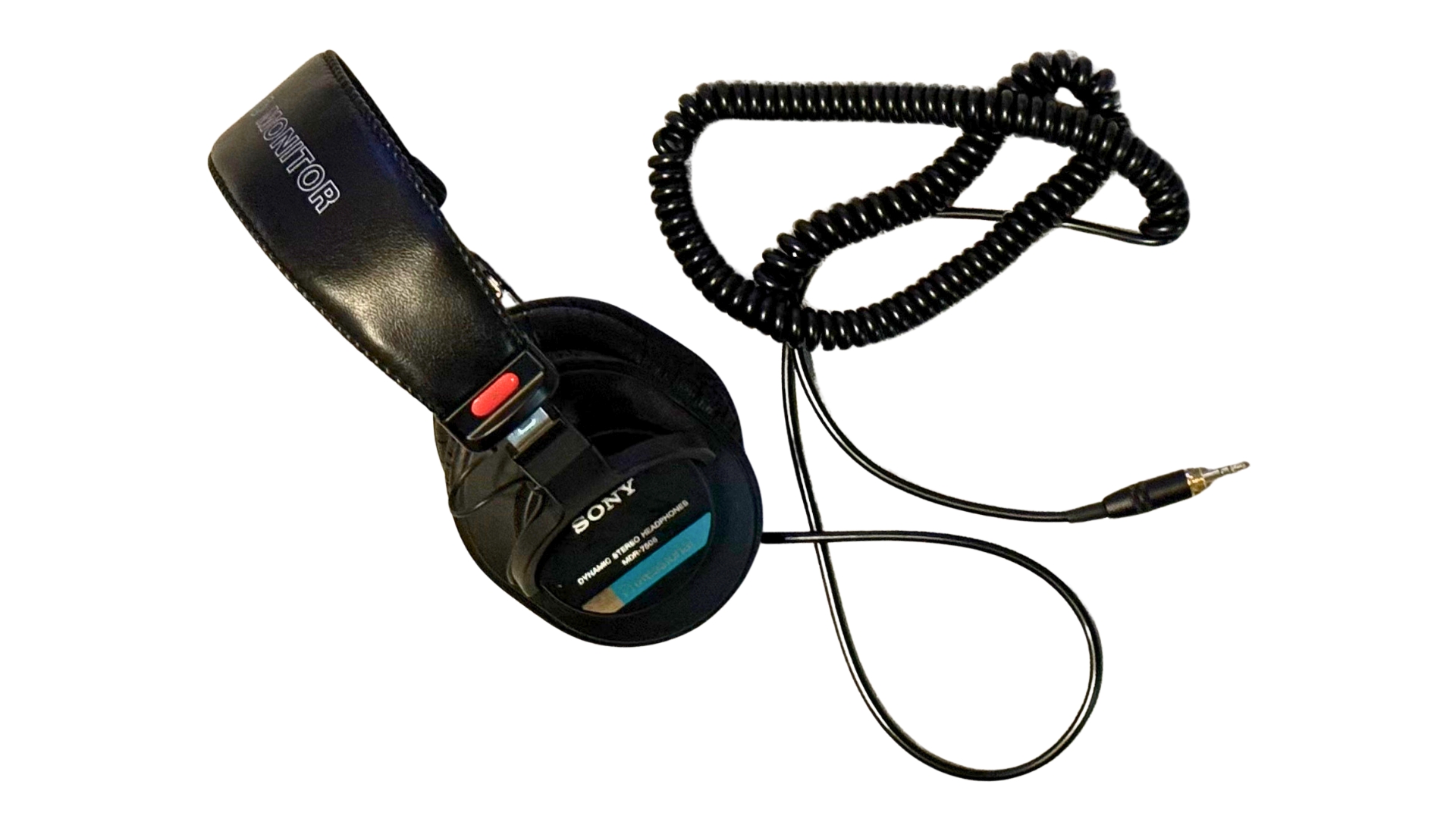 Photo: Robert Anthony / Sampled
What microphone should a beginner podcaster buy?
For a solo show, a USB microphone plugs straight into your computer and is the simplest start. If you plan to have two or more people in the room, go with dynamic microphones and a small audio interface. They pick up less room noise and let each person have their own channel. Our guide to audio interfaces covers that step.
Whatever mic you pick, keep it about a fist's width from your mouth and point it away from the computer fan.
What software do you need to record a podcast?
You don't have to pay for software. A free DAW records your audio, and OBS (free) records your cameras. Our roundup of the best free DAWs in 2026 lists solid options, including Sampledex for Mac and iPad.
How much does a home podcast studio cost?
Here is the setup from this guide:
| Gear | Role | Link |
|---|---|---|
| EMEET SmartCam S600 | Main 4K camera | Check price (opens in a new tab) |
| EMEET PIXY with tripod | Wide second angle | Check price (opens in a new tab) |
| EMEET PIXY with remote | Close shot / guest camera | Check price (opens in a new tab) |
| Sony MDR-7506 | Monitoring headphones | Check price (opens in a new tab) |
Prices change often, so check the current price on Amazon. A solo audio-plus-video start (S600, one pair of MDR-7506 and a USB mic) typically lands around a few hundred dollars. The PTZ cameras are the upgrade once your show has guests.
Quick setup tips
- Light your face, not the wall. One lamp in front of you at 45 degrees does more than any camera upgrade.
- Record a 30-second test with headphones on before every episode.
- Soften the room. Rugs, curtains and a couch cut echo for free.
- Record audio separately from video so a camera glitch never kills an episode.
The bottom line
A home video podcast studio doesn't need a big budget. Start with the EMEET S600 (opens in a new tab) and a pair of Sony MDR-7506 (opens in a new tab) headphones, and add the PIXY PTZ cameras (opens in a new tab) when you want a multi-camera show.