 SAMPLED
How to program your first analog bass patch
A step-by-step patch you can build on any two-oscillator mono synth, plus the three knobs that do most of the work.
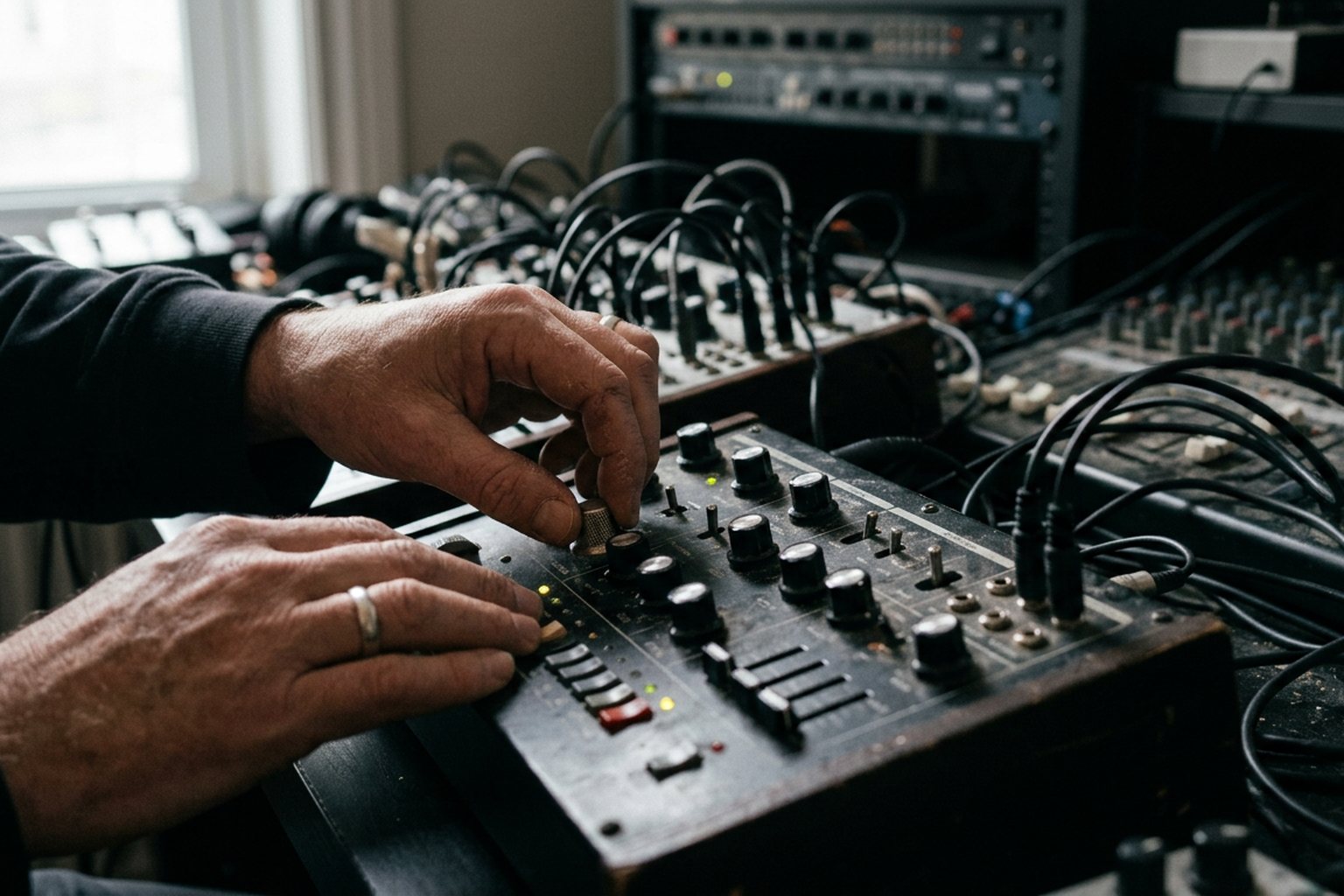
Programming a reliable analog bass patch is simpler than the sea of front-panel knobs suggests. Strip away the modulation matrix and the effect processors, and almost every classic bass tone from the past fifty years relies on the exact same subtractive recipe. Here is how to dial in a heavy, mix-ready dual-oscillator bass patch on any analog synthesizer, along with the three specific controls that do most of the real work.
Initializing the Synth
Before touching a slider, reset your synthesizer to a clean slate. Turn off all onboard effects like chorus, delay, or distortion. Set all modulation routing, LFO depths, and pitch-bend assignments to zero. Open the low-pass filter completely, set the filter envelope amount to zero, and set your amplifier envelope to a simple organ gate: instantaneous attack, maximum sustain, and zero release.
Turn down all mixer sources except Oscillator 1. Playing a middle key should now produce a raw, continuous tone with no shaping or movement. Starting from this neutral zero point ensures you understand exactly what each adjustment is doing to the sound, rather than tweaking settings against pre-existing routing.
Step 1: Lay the Harmonic Foundation
The foundational tone of an analog bass comes down to waveform choice and octave placement.
- Oscillator 1: Select a sawtooth waveform and set the octave switch to a low register (labeled 16' or 32' on many classic layouts). The sawtooth wave contains every integer harmonic, providing both deep fundamental energy and a bright, buzzy top end that can cut through a dense mix. If you want a darker, rounder low end, switch to a square or pulse wave instead, which accentuates odd harmonics and creates a hollow tone reminiscent of a classic Roland SH-101.
- Oscillator 2: Set Oscillator 2 to match the octave of Oscillator 1, but select a square wave if Oscillator 1 is set to sawtooth. This blends the rich upper harmonics of the saw with the hollow weight of the square.
- Mixer: Bring Oscillator 2 up in the mixer until it matches Oscillator 1 in volume.
At this point, both oscillators are playing the exact same pitch, which can cause phase cancellation as the analog circuits drift. The low end may periodically sound thin or hollow as the waveforms align out of phase. To fix this, pitch Oscillator 2 down by one octave, turning it into a dedicated sub-oscillator. Alternatively, keep both oscillators in the same octave and introduce a tiny fraction of pitch detune to Oscillator 2 (around 1 to 3 cents). This slight separation creates a thick, chorused movement across the midrange without completely destroying the low-end focus.
       [Oscillator 1: Sawtooth (16')] ──┐
                                       ├──> [Mixer] ──> [24dB Low-Pass Filter]
       [Oscillator 2: Square (32')]   ──┘
Step 2: Shape the Low-Pass Filter
The filter is where a raw buzzing waveform becomes a functional bass patch. Most monophonic analog synths—from a Moog Sub 37 to a Novation Bass Station II or Sequential Pro 3—use a 4-pole (24dB per octave) low-pass filter for bass patches. This sharp slope cuts away unwanted high frequencies rapidly, focusing the energy down low.
- Cutoff: Pull the filter cutoff knob down until the high-end buzz completely disappears, leaving only a dark, muffled low frequency rumble.
- Resonance: Keep the resonance low or off entirely for now. While resonance adds emphasis near the cutoff frequency, classic ladder filter designs (like those found in Moog hardware) reduce low-frequency gain as resonance is turned up, which weakens the sub frequencies.
- Key Tracking: Set filter key tracking (sometimes labeled Key Follow) to 50% or half-value. This ensures that as you play higher up the keyboard, the filter cutoff opens slightly, keeping higher notes bright and clear without making the lowest notes muddy.
Step 3: Dial in the Envelopes
A great bass patch needs dynamic movement. This is created by applying an envelope generator to the filter cutoff, causing the filter to snap open on the initial key press and quickly close back down.
The Filter Envelope (VCF)
Set the Filter Envelope Amount (or Envelope Depth) to roughly 50%. Nothing will change until you adjust the envelope stages themselves:
- Attack: Set to absolute zero (0 ms). The filter must open instantly when a key is pressed to produce a punchy transient attack.
- Decay: Set to roughly 250–400 milliseconds. This controls how quickly the filter snaps back down toward the baseline cutoff setting. A short decay time gives a tight, plucky bass; a longer decay time gives a sweeping, open bass sound.
- Sustain: Set to zero. You want the filter to close down completely after the initial decay stage, resting back at the dark baseline cutoff you selected earlier.
- Release: Set short, around 50–100 milliseconds, or match it to the decay time.
The Amp Envelope (VCA)
The amplifier envelope shapes the overall volume contour of the note.
- Attack: Set to 0 ms for immediate response.
- Decay: Set around 500 ms to 1 second.
- Sustain: Keep this moderately high (50% to 80%) if you want held notes to sustain, or set it to zero if you want every note to die away at the same rate, regardless of how long you hold the key.
- Release: Match the filter envelope release (50–100 ms). Excessive release time will cause low frequencies to overlap, turning fast basslines into a muddy mess.
The Three Knobs That Do 80% of the Work
Once your basic architecture is configured, you do not need to rebuild the patch from scratch to change its character. Three controls dictate the balance, energy, and genre-fit of any analog bass patch:
+---------------------+-------------------------------------------------------+
| Control             | Direct Impact on Sound                                |
+---------------------+-------------------------------------------------------+
| Filter Cutoff       | Sets the overall brightness floor and room for sub    |
| Filter Env Amount   | Controls transient snap, punch, and front-end bite   |
| Filter Decay Time   | Determines length of the pluck and rhythmic bounce    |
+---------------------+-------------------------------------------------------+
1. Filter Cutoff
The cutoff knob dictates the tonal floor. Lowering it removes high-frequency click and bite, turning the patch into an understated sub-bass. Raising it exposes the raw harmonics of the oscillators, moving the patch from an under-the-radar foundation to a dominant lead element.
2. Filter Envelope Amount
This knob controls how much the filter envelope overrides the static cutoff setting during the attack phase. Turning this up expands the sweep range of the envelope, creating a prominent "thump" or "snap" at the beginning of each note. If your bass sounds dull or lost in a drum mix, increasing this knob adds instant transient clarity without cluttering the sub region.
3. Filter Decay Time
Decay time anchors the groove. If the decay is too fast, the note lacks weight and sounds like a tiny click; if it is too slow, the filter stays open too long, overwhelming the midrange and stealing space from guitars, keys, or vocals. Adjusting decay in small increments allows you to lock the length of the bass note precisely to the tempo of your track.
Common Patch Troubleshooting
- Audible Clicking on Note Attack: If you hear a harsh pop or click every time you press a key, the envelope attack is opening faster than the audio waveform's zero-crossing point. Raise the filter and amp envelope attack controls just a hair (1 to 5 ms) to smooth out the transient.
- Loss of Low-End Weight: If the patch sounds thin despite playing low notes, check your resonance control. Turn resonance completely off. If using two detuned oscillators, check if they are beating against each other in phase; try turning off Oscillator 2 detuning or dropping it a full octave down to act as a stable sub-oscillator.
- Muddiness Between Notes: If fast passages sound indistinct, your amp release time is too long. Lower the release on both the amp and filter envelopes to zero, forcing the audio to stop immediately when a key is released.
Quick Reference: Classic Bass Profiles
| Style | Osc 1 Wave | Osc 2 / Sub | Filter Cutoff | Filter Decay | Key Trick |
|---|---|---|---|---|---|
| Classic Moog Lead-Bass | Sawtooth (16') | Sawtooth (16') | Low (20%) | Medium (400ms) | Add 2 cents of Osc 2 detune for width |
| Punchy House Pluck | Square (16') | Square (32') | Closed (0%) | Fast (150ms) | High Filter Env Amount for transient snap |
| Dub / Reggae Sub | Triangle or Sine | Off | Very Low (10%) | Off / Sustained | Zero resonance, high low-pass attenuation |
| Acid / Resonant Slap | Sawtooth (16') | Off | Low (15%) | Short (250ms) | High Resonance (60%+), add Glide/Portamento |
Quick Answers
Why does my bass patch lose low end when I turn up the resonance?
Most classic analog low-pass filters (especially transistor ladder designs) suffer from passband insertion loss. When you boost resonance, the filter feedback circuit attenuates the frequencies below the cutoff point to balance total signal gain, which strips away the fundamental sub-bass frequencies.
Should I use two oscillators or a sub-oscillator for bass?
For precise, hard-hitting low end, a single main oscillator plus a dedicated sub-oscillator locked in phase (or pitched a full octave down) is ideal. Using two detuned oscillators in the same octave creates phase interference, causing the low-frequency weight to swell in and out rather than staying consistent on every key press.
What is the best filter slope for analog bass?
A 4-pole filter (24dB per octave) is standard for subtractive bass because it aggressively cuts high harmonics above the cutoff point, concentrating energy in the fundamental region. A 2-pole filter (12dB per octave) allows more mid-range harmonics through, which works well for buzzy funk bass or resonant acid leads, but offers less sub-frequency control.
How do I stop my analog bass from drifting out of tune?
Analog voltage-controlled oscillators (VCOs) are sensitive to temperature changes. Allow your synthesizer to warm up for 15 to 20 minutes before dialing in or recording a patch. If your synth uses digitally-controlled analog oscillators (DCOs), pitch drift will not be an issue.
To get the most out of this foundational patch, record a two-bar MIDI sequence into your DAW and let it loop continuously while you slowly adjust the cutoff, envelope amount, and decay controls with your hands. Learning how these three controls interact in real time will teach you more about subtractive synthesis than memorizing preset values ever could.