 SAMPLED
Production and recording · updated 2026-08-16
BOUNCE / RENDER / EXPORT
Writing your session out to an audio file. Bounce stems for collaborators, a 24-bit WAV master for distribution.
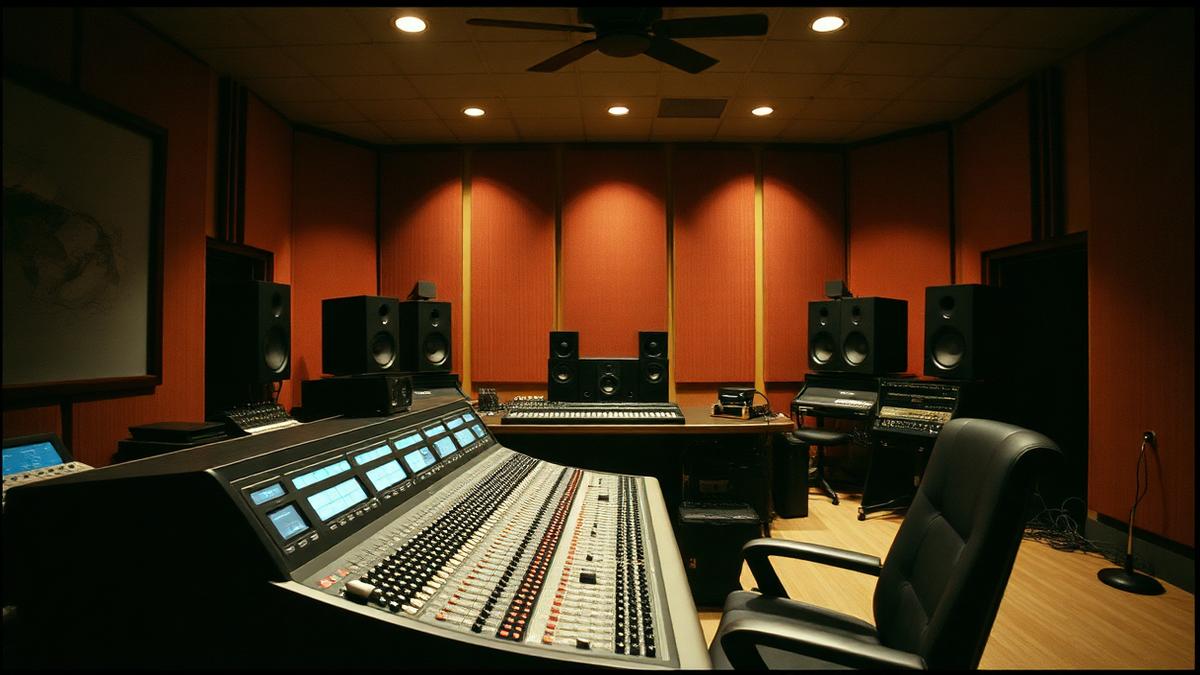
Photo: Gooi & Vecht Studio, Audio 1 control room with Nuendo 6.5 (opens in a new tab) by Marco Raaphorst (opens in a new tab), via Wikimedia Commons — CC BY 2.0 (opens in a new tab)
Key takeaways
- Writing your session out to an audio file.
- Bounce stems for collaborators, a 24-bit WAV master for distribution.
- Offline bounces are usually faster and sample-accurate; real-time bounces are required when external hardware is in the chain.
- Export a 24-bit WAV at the session rate for mastering, and a separate 16-bit 44.1 kHz version only if a distributor specifically asks.
- Watch out: exporting with the master limiter or a monitoring plugin still engaged when the file is heading to a mastering engineer.
Quick checklist
- Can you define bounce / render / export in one sentence without looking?
- Can you point at bounce / render / export in a real session, mix or contract?
- Have you tried the practical move above at least once?
- Would you catch the common mistake before it costs you a take?
- Have you opened one of the primary sources below rather than a forum thread?
BOUNCE / RENDER / EXPORT IN DEPTH
These are three names for writing your session, or part of it, to an audio file. Offline bounces are usually faster and sample-accurate; real-time bounces are required when external hardware is in the chain.
How it works in practice
Export a 24-bit WAV at the session rate for mastering, and a separate 16-bit 44.1 kHz version only if a distributor specifically asks.
The mistake people make
Exporting with the master limiter or a monitoring plugin still engaged when the file is heading to a mastering engineer.
WHERE BOUNCE / RENDER / EXPORT SITS
Bounce / render / export belongs to production and recording in the Sampled music glossary. Studio words: what the gear does, what the engineer is asking for, what the session sheet means.
TEST YOURSELF
0/3 answered · 0 correct
3 quick questions on bounce / render / export. Answers are marked instantly — nothing is sent anywhere.
1. Which statement best describes bounce / render / export?
2. What is the mistake people most often make with bounce / render / export?
3. In practice, which of these applies to bounce / render / export?
Ready for the full thing? Take the 25-question terminology test and get a certificate with your name and score.
SOURCES AND CITATIONS
Free, primary references for bounce / render / export — standards bodies, manufacturers, government offices and university course material. Each one lists the line of this entry it backs up.
- Apple — Logic Pro User Guide (opens in a new tab)
Primary reference · support.apple.com
“Writing your session out to an audio file.”— the claim this source supports
Why it counts: Published by the organisation responsible for the thing being defined, so it is a first-hand source rather than a summary of one.
- Ableton Live manual (opens in a new tab)
Manufacturer learning resource · Ableton
“Bounce stems for collaborators, a 24-bit WAV master for distribution.”— the claim this source supports
Why it counts: A free, hands-on explainer from a DAW maker — useful for hearing the concept rather than only reading it.
RELATED TERMS IN PRODUCTION AND RECORDING
Back to the full music glossary or read our latest articles.