 SAMPLED
How Do You Prepare Your Mix for Mastering? A Step-by-Step Checklist
Headroom, mix-bus plugins, mono checks, low-end cleanup, export settings and stems: everything to check before you send a mix to a mastering engineer or online service.
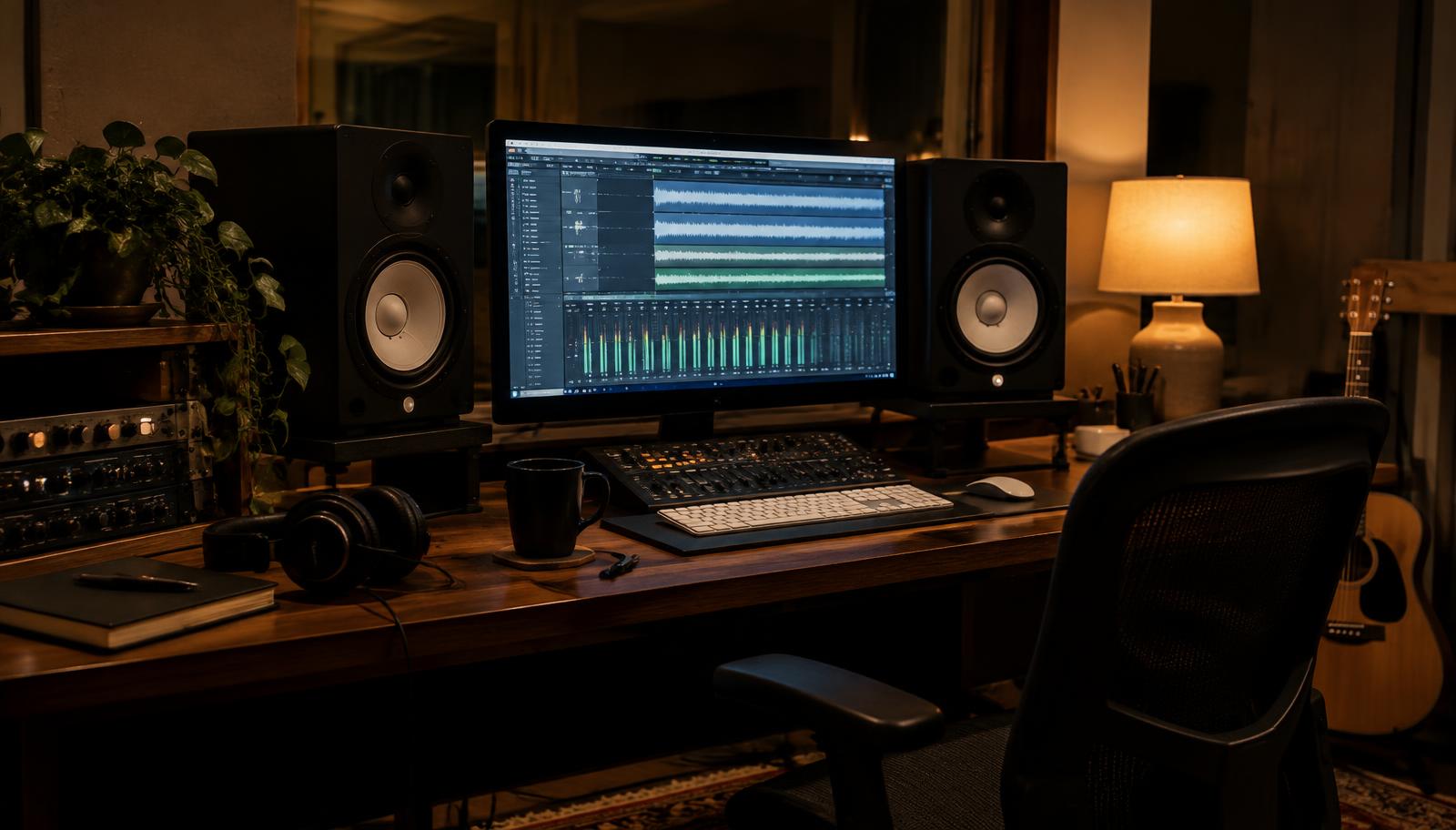
Sending a mix off for mastering, whether to a person or an online service, is the last point where you can fix problems cheaply. A mastering engineer can make a good mix sound finished. They can't undo a clipped bus, a limiter you forgot to turn off, or bass that disappears on a phone speaker. This checklist walks through what to check and how to export, step by step.
Step 1: How much headroom does a mix need before mastering?
You'll hear "leave -6 dB of headroom" a lot. It's a decent habit, but it isn't a strict rule, and the reason for it has mostly changed.
The rule comes from older, fixed-point workflows, where going over 0 dBFS anywhere meant permanent digital clipping. Modern DAWs mix internally in 32-bit or 64-bit floating point, so a channel that goes over 0 dBFS inside the session isn't actually ruined. What matters is the file you export:
- Exporting 24-bit: anything over 0 dBFS gets clipped for good. Keep peaks clearly below 0; somewhere around -3 to -6 dBFS is a comfortable range.
- Exporting 32-bit float: overs can technically be recovered, but many engineers and online services still expect peaks below 0 dBFS. Don't count on the float file to save you.
The real goal is a mix that isn't squashed and isn't clipping. Whether your peaks sit at -4 or -7 dBFS makes almost no difference. The mastering engineer will just turn it up or down. If you want the full picture of levels inside a session, read our gain staging guide.
Check: play the loudest section and watch the master meter. Peaks should stay below 0 dBFS with a few dB to spare, and no clip lights anywhere.
Step 2: Which mix-bus processing should you keep, and what should you turn off?
Ask yourself one question about every plugin on your master bus: is this part of the sound, or is it just making it louder?
Keep it if it's part of the sound:
- EQ that shapes the overall tone of the mix.
- Gentle bus compression ("glue"), usually a dB or two of gain reduction, that you mixed into. Taking it off would change the balance you built.
- Saturation or tape emulation that gives the mix its color.
Turn it off if it's just for loudness:
- Brickwall limiters and maximizers.
- Clippers used to push loudness.
- Heavy multiband compression you added to sound "radio ready."
- Extreme stereo wideners. They can cause problems in mono and are hard to undo.
- Loudness meters or reference plugins that change the audio.
If you aren't sure, send two versions: one with your bus chain and one without the limiter. Many engineers are happy to get both. If you're using our free Redline EQ and Indie Saturator Pro plugins on your bus, those count as tone shaping, so keep them if you mixed through them.
A note on limiters for client previews: it's fine to use a limiter so a rough mix sounds competitive for the artist. Just bypass it before you bounce the file for mastering.
Step 3: Does your mix work in mono?
Lots of people will hear your song in mono: phone speakers, smart speakers, some club systems and Bluetooth speakers. If parts of your mix cancel out when summed to mono, they'll vanish on those systems.
How to check:
- Put a mono utility on the master bus (most DAWs have one built in).
- Switch between stereo and mono while the chorus plays.
- Listen for anything that drops in level, sounds hollow or disappears. Common problems are wide synth pads, stereo-widened vocals and doubled guitars.
- Check that your kick, bass and lead vocal sit in the center and stay strong in mono.
Most engineers keep bass under roughly 100–150 Hz close to mono, so the low end stays tight. A correlation meter helps here: readings that keep dropping below zero mean phase problems.
Step 4: Clean up low-end rumble
Low-frequency rumble you can't hear on small speakers still eats up headroom and can make a master sound muddy or push a limiter harder.
- Use a spectrum analyzer and look below about 30 Hz. If there's energy there you didn't mean to add, it's probably rumble, mic-stand noise or leftover tails from samples.
- Use a gentle high-pass filter on individual tracks that don't need deep lows, like vocals, guitars and pads. Clean up at the source instead of filtering the whole mix hard.
- Be careful on the master bus. A steep sub-30 Hz cut can thin out genres built on deep 808s or sub bass. If you filter the whole mix, use a gentle slope and listen.
If your kick and bass fight each other, read our sidechain compression guide.
Step 5: Check your peaks and transients
Mastering usually adds some compression and limiting, so any harsh peak in the mix gets more noticeable, not less.
- Look for single snare hits, plosives or clicks that jump way above everything else on the meter. Tame them on the track, not on the master.
- Listen for harsh "s" sounds on vocals. A de-esser on the vocal is better than asking mastering to fix it.
- Don't flatten the drums so much that nothing punches. Mastering needs some dynamics to work with.
 Illustration: Sampled
Step 6: What export settings should you use for mastering?
These are safe settings for almost any engineer or service. Always check their upload page first, since some have their own rules.
| Setting | What to choose | Why |
|---|---|---|
| File type | WAV or AIFF | Lossless. Never send an MP3 for mastering. |
| Sample rate | Same as your session (for example 44.1 or 48 kHz) | Converting before mastering adds an extra step for no gain. |
| Bit depth | 24-bit or 32-bit float | Keeps the detail and headroom the engineer needs. |
| Dither | Off | Dither is added once, at the final step, by whoever makes the final file. |
| Normalize | Off | Normalizing changes your levels on export. |
| Master bus limiter | Bypassed | See Step 2. |
| Start and end | Leave a little silence and the full reverb tail | Don't cut off fades or tails; the engineer handles the final edits. |
Why leave dither off? Dither is low-level noise added when you lower bit depth, for example from 24-bit to the 16-bit used on CDs. It should happen once, at the very end. If you export a 32-bit float file, there's no bit-depth reduction, so there's nothing to dither. If you're making a CD yourself later, that's when 16-bit and dither come in. Our guide to making your own CDs covers that last step.
Step 7: Should you send a stereo mix or stems?
Send a stereo mix when you're happy with the balance and want the master to sound like your mix, only finished. This is the usual choice and the cheapest.
Send stems (grouped tracks like drums, bass, music, vocals and effects) when:
- You aren't sure about the vocal or bass level and want the engineer to have some control.
- The engineer offers "stem mastering" and you're paying for it.
Stem rules:
- Every stem starts at the same point (bar 1 or zero) and is the same length.
- When all the stems play together at 0 dB, they should sound exactly like your stereo mix. Test that before you send them.
- Keep bus processing that affects all the stems off them, or send a note explaining what you left on.
Ask your engineer before sending stems. Not everyone offers stem mastering, and some charge more for it.
Step 8: What else should you send with your mix?
- A reference track or two: songs you want yours to sit next to.
- Notes: anything you're worried about (vocal level, too much low end), plus how loud you want it to feel.
- Song details: title, artist name, track order for an album, and any ISRC codes if you already have them.
- Clear file names, like
ArtistName_SongTitle_Mix_v3_24bit_48k.wav.
The pre-mastering checklist
Before you upload, confirm all of these:
- Peaks stay below 0 dBFS with a few dB to spare
- No clipping on any channel, bus or the master
- Master-bus limiters and loudness clippers are bypassed
- Tone-shaping EQ, glue compression and saturation are kept only if you mixed through them
- Mix checked in mono; kick, bass and vocal stay solid
- Sub-30 Hz rumble cleaned up at the source
- No harsh peaks, clicks or "s" sounds sticking out
- WAV or AIFF at the session's sample rate
- 24-bit or 32-bit float, dither off, normalize off
- Full reverb tails and a little silence at the start and end
- Stems (if any) line up and add up to the stereo mix
- Reference tracks and notes ready
FAQ
Do I really need -6 dB of headroom for mastering? No exact number is required. Keep peaks safely below 0 dBFS with no clipping and no limiter. Anywhere from about -3 to -6 dBFS is fine for most engineers.
Should I remove all plugins from my master bus before mastering? No. Keep anything that shapes the sound and that you mixed through, like EQ, gentle bus compression or saturation. Turn off limiters and anything added just for loudness.
Should I dither before sending my mix to mastering? No. Leave dither off. The final step of mastering adds it once, when the file is converted to its final bit depth.
What sample rate should my mix be for mastering? Use the same sample rate as your project. Don't convert it before sending.
Is a stereo mix or stems better for mastering? A stereo mix is standard and works for most songs. Send stems only if your engineer offers stem mastering and you want them to adjust individual parts.