 SAMPLED
What Is Sidechain Compression, and How Do You Use It in a Mix?
Sidechain compression lets one sound push another out of the way, like a kick ducking the bass. Here's how it works, how to set it up in any DAW and the mistakes to avoid.
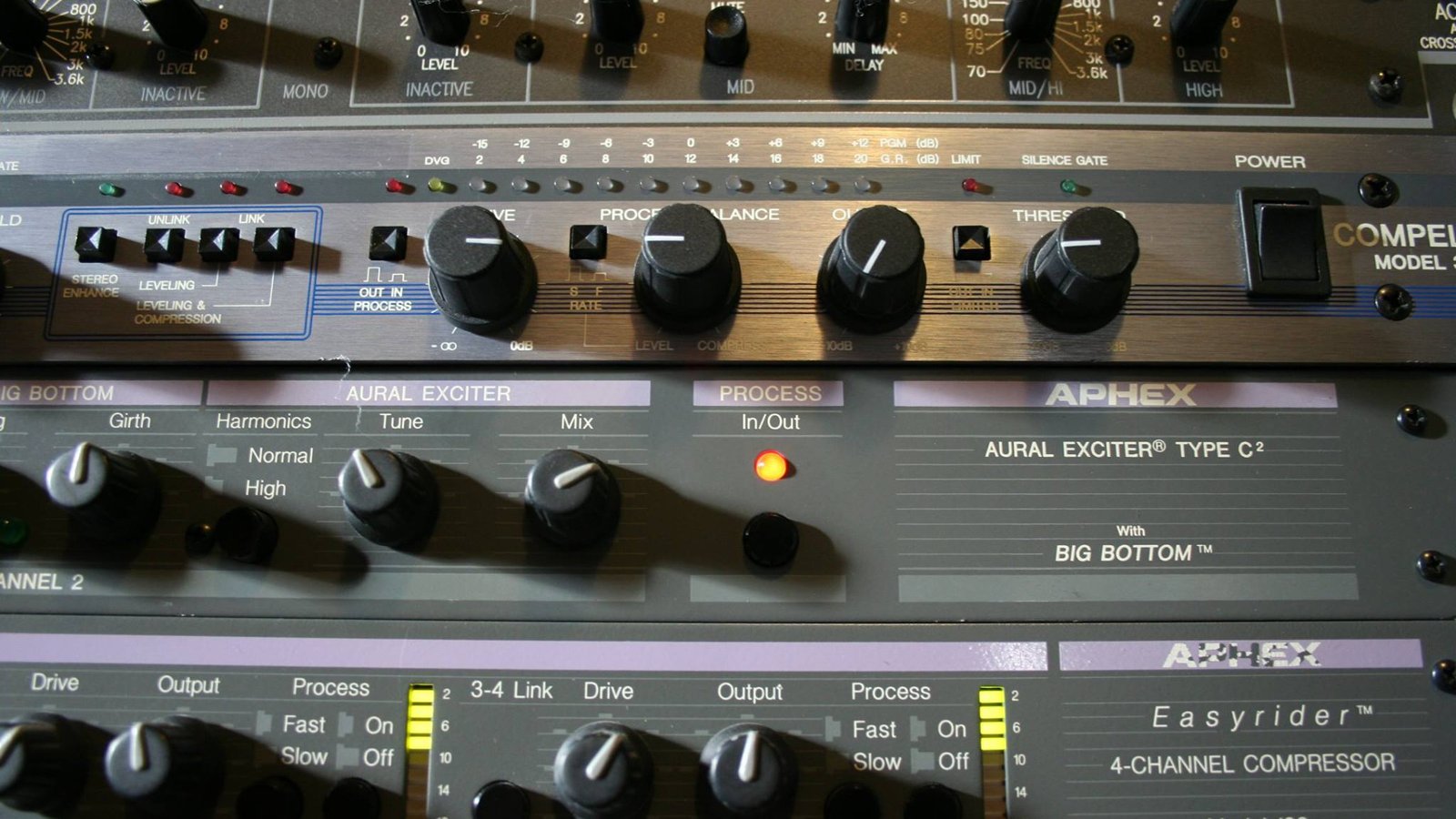
Sidechain compression is when one track controls the compressor on another track. The classic example: every time the kick hits, the bass gets a little quieter for a split second, so the two don't fight. It's how dance music gets that "pumping" feel, and it's one of the most useful mixing tricks you can learn.
How does sidechain compression work?
A normal compressor turns a sound down when that same sound gets loud. A sidechained compressor listens to a different sound instead.
- The trigger (also called the key or source): the sound you listen to, like the kick.
- The target: the track the compressor sits on, like the bass or a synth pad.
When the trigger hits, the compressor turns the target down. When the trigger stops, the target comes back up.
Why do producers use it?
- To make room. Kick and bass share the same low frequencies. Ducking the bass on each kick keeps the low end clean and punchy.
- To make vocals clear. Duck the music slightly under a vocal or voice-over so the words cut through. Podcasters and DJs do this all the time.
- For the pumping effect. Push it hard on pads and synths and the whole track breathes with the beat. Think French house and EDM.
How do you set up sidechain compression?
The steps are the same in almost every DAW:
- Put a compressor on the target track (bass, pad, music bus).
- Turn on the compressor's sidechain input and pick the trigger track (kick).
- Set a fast attack so it ducks right away.
- Set the release so the sound comes back before the next hit. Timing it to the tempo makes it groove.
- Lower the threshold and raise the ratio until you hear the amount of ducking you want.
Start subtle: 2–4 dB of gain reduction on bass is often enough. For an obvious pump, go further.
 Photo: Abigail Keenan via Wikimedia Commons (opens in a new tab) (CC0)
Can you sidechain without a compressor?
Yes. Many producers use a volume-shaping plugin that draws the duck as a curve and repeats it every beat. It's easier to control, and it doesn't need a trigger track. You can also draw volume automation by hand. Sidechaining an EQ instead of a compressor is another option: it ducks only the low end of the bass, so the rest of the sound stays put.
What are the most common sidechain mistakes?
- Too much ducking. If the bass vanishes on every kick, back off the ratio or threshold.
- Release too long. The sound never recovers before the next hit and the mix feels quieter.
- Release too short. You hear a click or a choppy "gate" effect.
- Sidechaining everything. Save it for the parts that actually clash.
What should you learn next?
Sidechaining builds on basic compression and EQ. If those still feel fuzzy, read what EQ is, then how to mix vocals. Need free tools? Our best free plugins guide lists compressors that support sidechain input.