 SAMPLED
How Do You Find the Key and BPM of Any Song or Sample?
A fast, reliable workflow for beatmakers: free analyzers, built-in DAW detection in Ableton, FL Studio and Logic, tap tempo, and ear-first tricks for stubborn chops.
Before you flip a sample, you need two numbers: how fast it moves (BPM) and where it sits harmonically (the key). Get them right and your drums lock in, your bass sits under the chop instead of fighting it, and your 808 stops sounding like it was tuned in another room. Get them wrong and you will spend an hour wondering why everything feels slightly seasick.
Think of BPM and key like the street address of a sample. A detector gives you a good guess at the neighborhood. Your ears confirm the house number.
Quick answer
- Drop the audio into a free analyzer or your DAW for a first BPM and key guess.
- Check the BPM against a click or grid, and fix half-time or double-time readings.
- Confirm the key by humming or playing the root note over the sample, then test the scale with a few chords.
- Write both numbers into the file name so you never analyze it twice.
Step 1: Get a first guess from a free analyzer
Browser analyzers are the fastest starting point when you have a file and no session open. Tools such as Tunebat's analyzer (opens in a new tab) and SongBPM (opens in a new tab) let you look up released songs or analyze your own audio for tempo and key. For released tracks, a lookup site is often enough. For a chopped loop, a bounced idea or a crate-dug record, analyze the actual audio you will use.
Treat the result as a hypothesis. Detectors are usually close on steady drum loops and less dependable on soul samples with live drummers, ambient pads, or anything with heavy swing.
Step 2: Use your DAW's built-in tempo detection
Ableton Live
Drag the sample into a clip and Live warps it, showing its tempo guess in the clip's Seg. BPM field. If it hears half or double time, the :2 and *2 buttons fix it in one click. Live's manual also covers the Tap Tempo button, which follows your clicks or a mapped computer key (Ableton manual (opens in a new tab)).
On key: Live 12 added a scale chooser in the control bar, but Ableton describes it as the scale of the selected clip, not a detector for your audio (Ableton help (opens in a new tab)). A practical workaround is Convert Melody or Convert Harmony to MIDI, then read the notes.
FL Studio
Drag the sample into the Playlist, open the clip menu at its top left, choose Detect tempo and pick a sensible range. FL Studio will offer to set the project tempo to match. Use the Playlist command rather than the Sampler version when you are measuring, because the Sampler route can stretch the audio (FL Studio guide (opens in a new tab)).
Logic Pro
Logic's Smart Tempo analyzes imported audio and can either apply the region's tempo to the project or conform the region to the project. You can correct its beat markers in the Smart Tempo Editor (Apple support (opens in a new tab)).
Step 3: Fix half-time and double-time mistakes
The most common BPM error is not a wrong number. It is the right groove counted at the wrong speed. A trap beat at 140 can read as 70. A boom-bap loop at 90 can read as 180.
Ask one question: where does the snare land? In most hip-hop and pop, the snare hits on beats 2 and 4. If the detected BPM puts the snare on every beat, halve it. If the snare only arrives once per bar, try doubling it. Genre helps too: house usually lives around 120 to 128, while drill and trap often sit around 140 with a half-time feel.
Step 4: Tap it out when detectors disagree
When two tools give you two answers, tap. Use your DAW's tap tempo button, or a free web tap tool, and tap quarter notes for at least eight bars. Then set your project to that number, line a click up with the first downbeat, and listen to bar 16. If the click has drifted, nudge the tempo by a fraction of a BPM until the downbeats stay together.
Live recordings from the 60s and 70s often drift because there was no click. For those, chop shorter phrases and match each one, rather than forcing the whole record onto one grid.
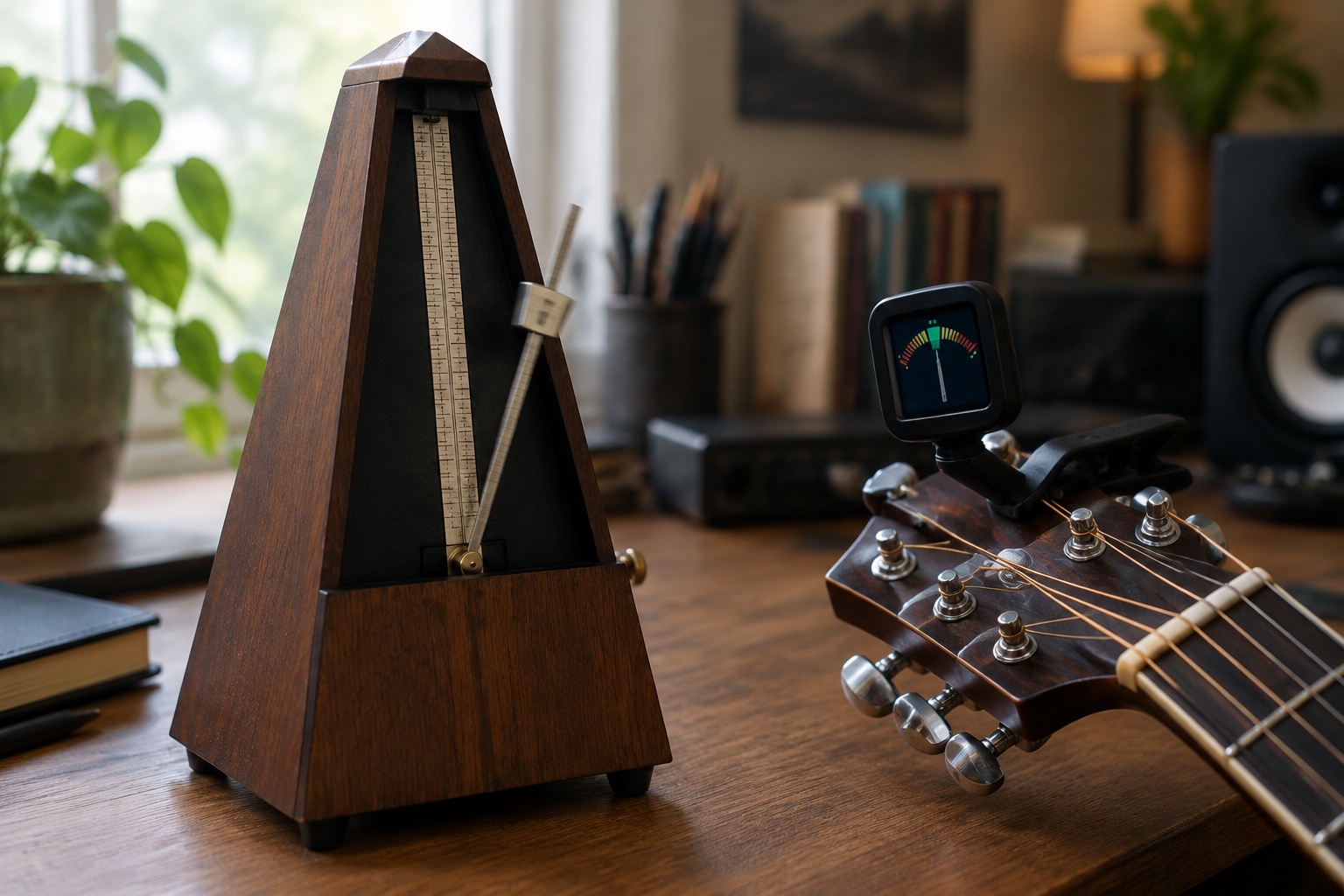 Illustration: Sampled
Step 5: Confirm the key by ear
Key detectors confuse relative keys all the time. C major and A minor share the same notes, so software can report either. Your ears break the tie.
- Find the home note. Loop the sample and hum the note that feels like resting. Play notes on a keyboard, piano roll or virtual piano (opens in a new tab) until one matches that resting feeling. That is your root.
- Test major against minor. Play a major chord and then a minor chord on that root over the loop. One will blend; the other will clash.
- Check the bassline. In many samples the lowest note on the downbeat of the phrase is the root.
- Use a tuner on single notes. A chromatic tuner plugin or clip-on tuner can tell you the pitch of a sustained bass note or vocal note, which narrows the options quickly.
Step 6: Stubborn chops and piano-roll detection
Some chops are too short, too filtered or too detuned for any detector. Old vinyl may sit between notes because the turntable or tape ran slightly fast or slow.
- Draw the notes yourself. Put the chop on one track and a simple sine or piano on another. In the piano roll, draw notes until each one matches what you hear. After three or four notes, the scale usually reveals itself.
- Convert to MIDI. Ableton's Convert Melody, or a dedicated audio-to-MIDI tool, gives you a first-pass note list. Clean it up by ear; it will not be perfect.
- Retune the sample, not your whole beat. If the chop sits 30 cents flat, fine-tune the sample in your sampler until it lines up with your keyboard, then write everything else in standard tuning.
If your project tunes drums, our guide to kick and snare note frequencies shows how to match the low end to the key you just found.
Step 7: Label everything
Rename the file the moment you know its numbers: soul-chop_92bpm_Fm.wav. It saves time, keeps your sample library searchable, and helps collaborators. If you sell packs, buyers expect tempo and key in the file name; see our guide to making and selling sample packs.
Common mistakes
| Mistake | What happens | Fix |
|---|---|---|
| Trusting one detector | Wrong key or half-time BPM | Cross-check with a second tool and your ears |
| Ignoring relative keys | Bass clashes on every chord change | Test major and minor chords on the root |
| Stretching while measuring | The audio no longer tells you its true tempo | Measure at the original speed first |
| One tempo for a drifting live record | Chops slide off the grid | Match short phrases separately |
| Forgetting tuning offsets | Everything is a little sour | Fine-tune the sample in cents |
FAQ
What is the fastest way to find the BPM of a song? Look the released song up on a BPM database, or drop the audio into your DAW's tempo detection, then confirm with tap tempo.
Why does my key finder say A minor when it sounds like C major? They use the same notes. Find the note that feels like home and test a major and minor chord on it.
Can I find the key of a sample without a keyboard? Yes. Use your DAW's piano roll, a free virtual piano, or a chromatic tuner plugin on a sustained note.
Do I need to match the key when sampling? It is not a rule, but matching or transposing the sample to your track's key avoids clashing bass and chords. Clearance is a separate question; see how to clear a sample.
For more beginner workflow, read how to start music production for free and our music production glossary.