 SAMPLED
MIDI, formats and standards · updated 2026-08-16
SAMPLE-RATE CLOCK AND JITTER
Digital devices need one master clock. Timing error in that clock — jitter — smears conversion, which is why one device is set as master.
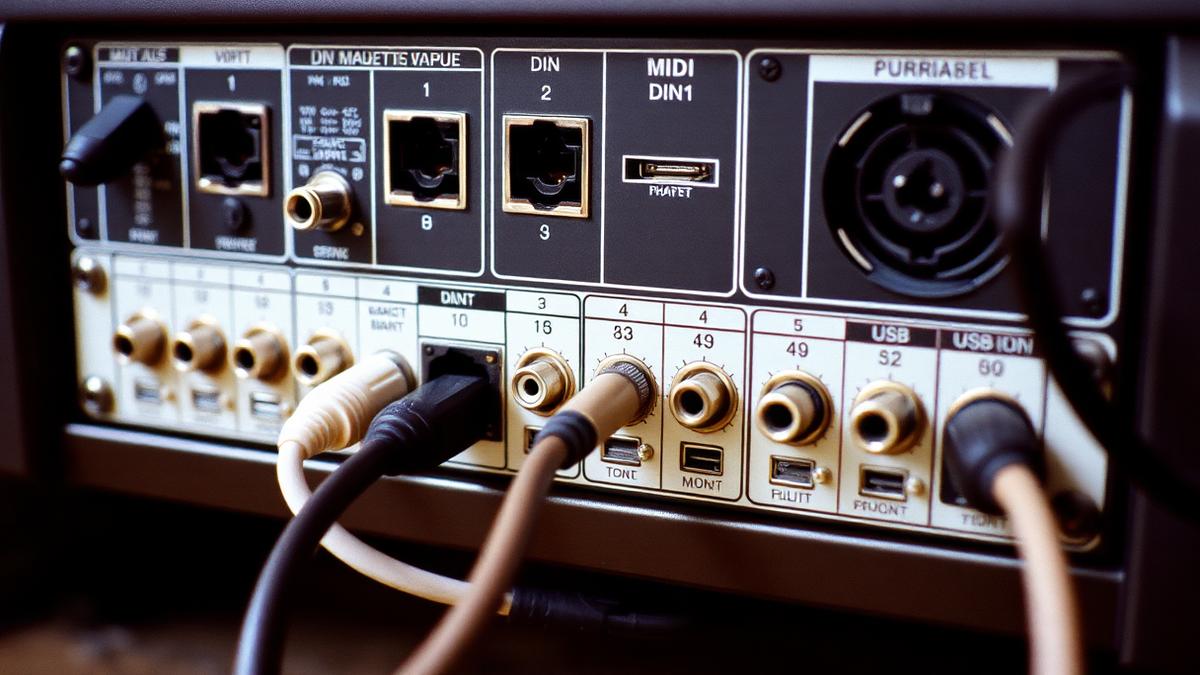
Photo: RME Hammerfall DSP 9652 MIDI connectors (opens in a new tab) by Dan Lynch (opens in a new tab), via Wikimedia Commons — CC BY-SA 2.0 (opens in a new tab)
Key takeaways
- Digital devices need one master clock.
- Timing error in that clock — jitter — smears conversion, which is why one device is set as master.
- Jitter is timing instability in that clock, and severe jitter shows up as clicks, distortion or an unstable stereo image.
- When an interface takes digital input from an outboard converter, slave the interface to that device's word clock rather than running both internally.
- Watch out: leaving two connected devices both set to internal clock.
Quick checklist
- Can you define sample-rate clock and jitter in one sentence without looking?
- Can you point at sample-rate clock and jitter in a real session, mix or contract?
- Have you tried the practical move above at least once?
- Would you catch the common mistake before it costs you a take?
- Have you opened one of the primary sources below rather than a forum thread?
SAMPLE-RATE CLOCK AND JITTER IN DEPTH
Every digital audio system runs on a clock, and when devices are linked one must be the master while the others slave to it. Jitter is timing instability in that clock, and severe jitter shows up as clicks, distortion or an unstable stereo image.
How it works in practice
When an interface takes digital input from an outboard converter, slave the interface to that device's word clock rather than running both internally.
The mistake people make
Leaving two connected devices both set to internal clock. You get periodic clicks that look like a cable fault.
WHERE SAMPLE-RATE CLOCK AND JITTER SITS
Sample-rate clock and jitter belongs to midi, formats and standards in the Sampled music glossary. The plumbing — the specs your gear, files and delivery pipeline agree on.
TEST YOURSELF
0/3 answered · 0 correct
3 quick questions on sample-rate clock and jitter. Answers are marked instantly — nothing is sent anywhere.
1. Which statement best describes sample-rate clock and jitter?
2. What is the mistake people most often make with sample-rate clock and jitter?
3. In practice, which of these applies to sample-rate clock and jitter?
Ready for the full thing? Take the 25-question terminology test and get a certificate with your name and score.
SOURCES AND CITATIONS
Free, primary references for sample-rate clock and jitter — standards bodies, manufacturers, government offices and university course material. Each one lists the line of this entry it backs up.
- AES standards (opens in a new tab)
Professional standards body · Audio Engineering Society
“Digital devices need one master clock.”— the claim this source supports
Why it counts: AES writes and reviews the engineering standards and peer-reviewed papers this terminology comes from.
- Stanford CCRMA — DSP (opens in a new tab)
University research centre · Stanford CCRMA
“Timing error in that clock — jitter — smears conversion, which is why one device is set as master.”— the claim this source supports
Why it counts: The CCRMA course material derives this from first principles, so you can check the maths behind the plain-English version above.
RELATED TERMS IN MIDI, FORMATS AND STANDARDS
- WAV vs FLAC vs MP3/AAC
- Plugin formats (VST/AU/AAX/CLAP)
- ASIO / Core Audio
- Sync: MIDI clock, MTC, Ableton Link
- Metadata (ISRC, UPC, ISWC)
- DDEX
- C2PA / content credentials
- Sample-accurate automation
Back to the full music glossary or read our latest articles.