 SAMPLED
What Is a CRM, and How Do You Use One to Grow Your Music Business?
A plain-English guide to customer relationship management: organize contacts, track opportunities, follow up thoughtfully, and choose a system without buying more software than you need.
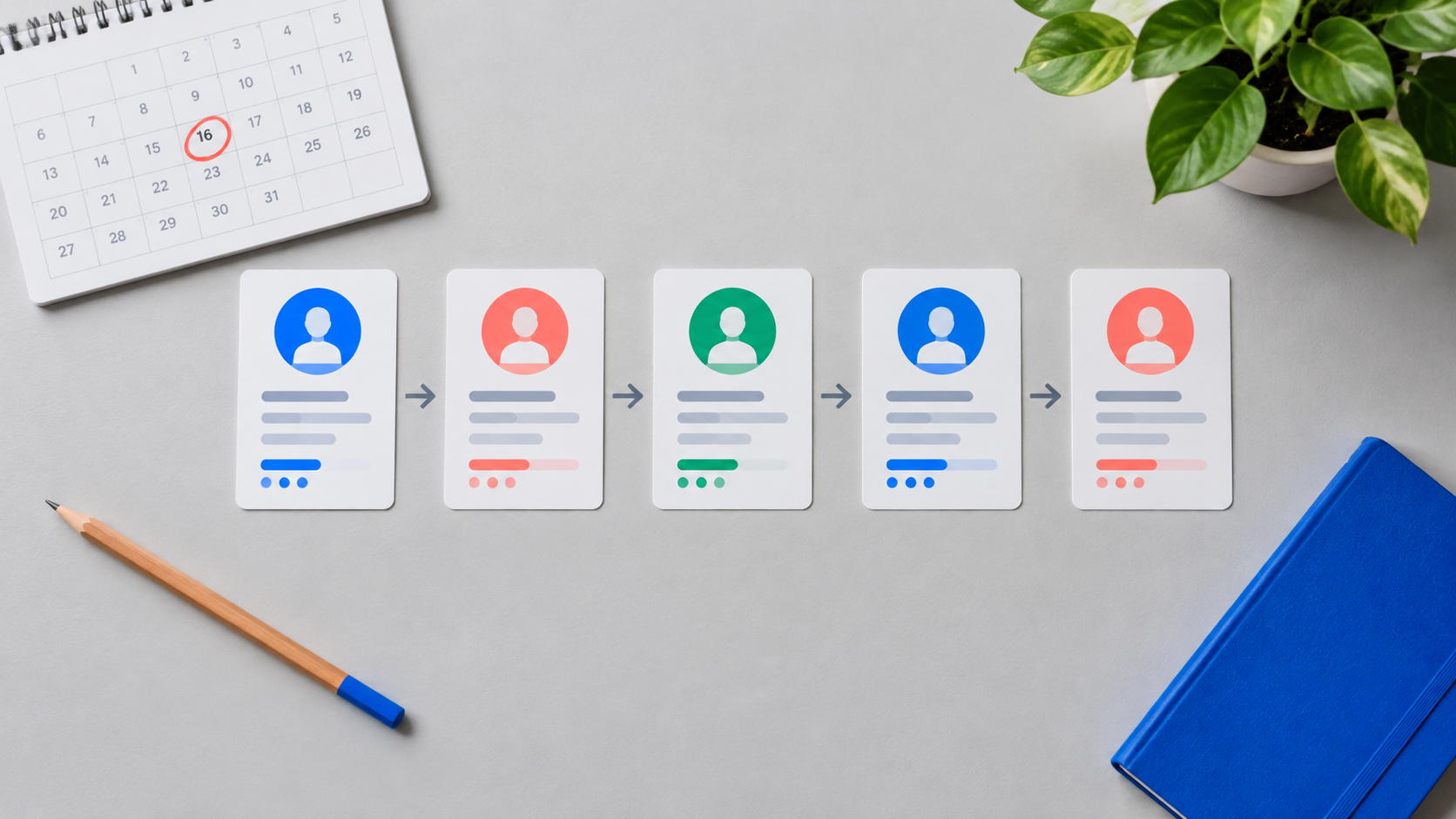
An artist asks about mixing a single. A venue wants your live set details. A label requests three beats. You reply to everyone—and two weeks later, the most promising conversation is buried under shipping notifications and an old group chat.
That is the problem a CRM is meant to solve. It is not a magic customer machine. It is a way to remember who you are talking to, what they need, and what should happen next.
What does CRM stand for?
CRM means customer relationship management. It describes the practice of managing relationships with current and potential customers. In everyday business conversation, “a CRM” usually means the software used to organize those relationships.
Think of it as a contact book with a memory and a to-do list attached. Instead of recording only a name and email address, you can record the last conversation, an opportunity, its current stage, and the next follow-up.
Salesforce (opens in a new tab) and HubSpot (opens in a new tab) describe CRM systems as tools for centralizing customer information and managing interactions across areas such as sales, marketing, and service. Features vary: connecting email, automating tasks, or using AI is not what makes something a CRM.
The simplest useful answer: a CRM helps you answer “Who needs my attention today, and why?” without searching five different places.
What does a CRM actually do?
A basic CRM usually gives you some combination of these functions:
| Function | What it means | Music-business example |
|---|---|---|
| Contact records | Store useful details about a person | An artist’s email, preferred contact method, and last conversation |
| Company or organization records | Group people connected to one business | A venue, label, agency, or studio |
| Deals or opportunities | Track a possible sale or booking | A proposed mix package or live performance |
| Pipeline stages | Show how far each opportunity has progressed | Inquiry → qualified → quote sent → booked → won or lost |
| Activities and notes | Keep a history of calls, messages, and meetings | “Client requested a cleaner vocal reference” |
| Tasks and reminders | Give the next action a date and an owner | Follow up on a quote on Thursday |
| Reports | Summarize what is happening | Open quotes, completed deals, or overdue follow-ups |
These are common CRM capabilities, not a promise that every product includes every feature on its free plan. HubSpot’s CRM overview (opens in a new tab) explains contact management, deal pipelines, activity tracking, and reporting.
What is the difference between a contact, a lead, and a deal?
A contact is a person you have recorded. A lead is someone who may be interested in what you sell. A deal is a specific opportunity you are trying to win.
One person can have several deals. An artist might book one mix now and ask about an EP later. Keeping those opportunities separate prevents an old purchase from being mistaken for a new sale.
A pipeline is the set of stages through which your opportunities move. A task is the action needed to move one forward.
For example:
- Contact: Maya, an independent singer.
- Lead source: a referral from another client.
- Deal: mixing Maya’s next single.
- Stage: quote sent.
- Next task: ask whether the delivery date works for her.
- Due date: the agreed follow-up day.
Maya is an illustrative example, not a reported customer of any CRM company. The point is that a name alone is not a plan.
How could a producer or artist use a CRM?
A mixing engineer can track inquiries, budgets, quotes, and repeat clients. A producer can record artists who requested beats and which licenses they discussed. An artist booking shows can track promoters, venues, proposed dates, and unanswered offers.
A small label might use it to remember retail or licensing conversations. A studio might keep a history of a client’s bookings and preferences. Some platforms support broader customer-service or marketing workflows; check the actual product before assuming those are included.
A fan relationship is different from a sales negotiation. Someone buying a T-shirt should not automatically enter a sequence of persistent sales messages. Use customer history to be helpful, not to make every relationship feel like a checkout funnel.
For a membership project, the CRM can help organize genuine inquiries and partnership discussions. Subscription access, billing, and community moderation may still live elsewhere. See our guide to building a paid producer community.
A realistic example: turning a mix inquiry into an organized job
Imagine that you run a small mixing service. Someone asks, “What would you charge to mix two songs?” Here is a practical sequence:
- Record the inquiry. Save their name, contact details, where they found you, and the date.
- Find out whether the work fits. Ask about the song count, recordings, intended sound, deadline, and budget. Do not promise a delivery date before checking your schedule.
- Create one opportunity. Name it clearly: “Maya — two-song mix.” Link it to her contact record.
- Send a written quote. Spell out deliverables, revision terms, payment terms, and the agreed timetable. The CRM records that you sent it; it does not replace the quote or contract.
- Set a specific next action. If she requested time to decide, schedule a respectful follow-up for that day instead of repeatedly messaging her.
- Update the outcome. Mark the opportunity won when it meets your own clearly defined booking criteria, or lost when she declines. Record the reason briefly.
- Hand off the work. Use your project system for mix versions, files, and delivery. Afterward, record relevant service notes and any follow-up she requested.
Define “won” consistently. A verbal expression of interest, a signed agreement, a deposit, and a completed paid job are different events. You can track them separately rather than treating all four as cash in the bank.
Our guide to starting a mixing and mastering service covers the service itself; a CRM supports that business process rather than supplying the skill or customers.
Do you need CRM software, or will a spreadsheet work?
Start with a spreadsheet if your process is simple and you can reliably keep it current. You do not need a subscription just because you have started a business.
Use these columns for a first version:
| Column | What to put in it |
|---|---|
| Name and organization | Who the conversation is with |
| Contact details | The information you actually need |
| Source | Referral, inquiry form, event, or another source |
| Opportunity | The specific job or sale under discussion |
| Stage | Where the conversation stands |
| Proposed value | The quote or estimate, clearly labeled |
| Last contact | Date and short factual note |
| Next action and due date | One concrete follow-up |
| Owner | Who is responsible, if you work with others |
| Communication preferences | Relevant preferences and permission records |
Do not store passwords, payment-card details, or unnecessary sensitive personal information in that sheet.
Software becomes more useful when you keep missing follow-ups, several people need the same history, duplicate records are causing confusion, or maintaining the sheet takes more effort than the relationships themselves.
There is no universal customer-count threshold. A solo producer with a handful of complex projects may need structure more urgently than a shop handling many straightforward transactions.
CRM vs. email marketing vs. project management
These tools can connect, but they are not the same thing.
- CRM: Who is this person, what have we discussed, and what opportunity or follow-up is active?
- Email marketing: Which subscribers should receive this campaign, and do we have the appropriate permission to send it?
- Project management: What work must happen, who owns it, and when is it due?
- Accounting: What was invoiced, paid, spent, and recorded for your financial obligations?
A product may bundle more than one category. That does not mean its contact list automatically becomes a mailing list, or that a pipeline report replaces your accounts.
For example, winning a studio booking might trigger a project checklist. The actual payment still needs to be confirmed in your payment or accounting system.
Which CRM tools can beginners look at?
There is no single best CRM for every music business. Start by testing a real workflow, not choosing the product with the longest feature list.
HubSpot: Its official CRM page (opens in a new tab) offers free CRM tools. Checked November 19, 2026, that page lists up to two users and 1,000 contacts for its free CRM. Confirm the current limits, available features, and paid upgrades before importing your business records.
Salesforce: Its small-business CRM guide (opens in a new tab) explains workflows and features to consider. Treat it as a vendor’s resource, not an independent comparison or evidence that a bigger system will make you more money.
A spreadsheet: Often the most sensible starting point for a solo operator who needs a contact list, stages, and reminders. The trade-off is that you manage consistency, sharing, and updates yourself.
Before committing, check:
- Can you import contacts without creating duplicates?
- Can you export contacts, opportunities, and useful notes if you leave?
- Are tasks and the pipeline easy enough that you will actually use them?
- Which email connections and automations are included, and which cost extra?
- Can you control who sees or changes customer information?
- What happens when you reach a user or contact limit?
- Does the full cost still make sense once your required features are included?
“Free” is a starting-plan description, not a guarantee that your future workflow will cost nothing.
How do you set up your first CRM without overcomplicating it?
Step 1: Pick one business process
Start with one clear use case, such as mixing inquiries or show bookings. Do not begin by importing every follower, old email address, and collaborator you have ever known.
Step 2: Define a short pipeline
An illustrative starting pipeline is new inquiry → qualified → quote sent → booked → won/lost. Change the stages to match how your business actually works. Make sure “booked” and “won” have distinct meanings if you use both.
Step 3: Import a small, clean set of contacts
Begin with current clients and active conversations you are entitled to record. Merge duplicates and check details. Keep your original export as a secure backup during the setup.
Step 4: Give every active opportunity a next action
“Follow up” is vague. “Email the revised two-song quote on Friday” tells you what to do. If there is genuinely no next action, decide whether the opportunity belongs in the active pipeline.
Step 5: Review it at a time you can maintain
Use a short regular review to check overdue tasks and inactive opportunities. Update records after meaningful conversations rather than trying to reconstruct a month of messages later.
Step 6: Add automation only after the manual process works
A reminder is usually a safer first automation than a chain of unsolicited messages. Test any connection with sample records, confirm what it sends, and make sure you can stop it.
How can you tell whether the CRM is helping?
Start with a few useful measures: overdue follow-ups, time from inquiry to decision, won and lost opportunities, and repeat customers.
Keep pipeline value separate from actual income. Five open quotes of $300 total $1,500 in proposed work. If two become paid $300 jobs, that is $600 received—not $1,500. This is an illustrative calculation, not an earnings forecast.
For a simple win rate, choose one period and count decided opportunities: two won out of five won-or-lost opportunities is 40%. Do not quietly include still-open deals in one month and exclude them the next.
The real test is practical: are you losing fewer conversations, responding more thoughtfully, and spending less time hunting for context? A beautifully organized pipeline that never gets updated is still just decoration.
What about privacy and email consent?
A CRM does not give you permission to market to everyone whose address you possess. Record only information you need, restrict access, use strong account security, and keep communication preferences and objections up to date.
Rules depend on location, audience, and the type of message. In the UK, the ICO’s electronic-mail marketing guidance (opens in a new tab) explains consent requirements and limited exceptions, including the customer “soft opt-in.” The regulator’s detailed guidance updated in April 2026 (opens in a new tab) adds context. Do not apply a simplified rule to every country or assume all business contacts are treated alike.
Honoring an opt-out should not depend on your memory. Record it in a way your tools and teammates can respect. This is general information, not individualized legal advice.
Frequently asked questions
Is a CRM only for large companies?
No. A solo producer, artist, consultant, or small studio can use the same basic relationship-management ideas. The right system should match the complexity of the work.
Does a CRM find customers for you?
Not by itself. It helps you manage opportunities and relationships. Outreach, referrals, a useful offer, and good delivery still require work.
Is CRM the same as a contact list?
A contact list tells you who someone is. A useful CRM also helps record the relationship, its history, and the next action.
Do you need AI to use a CRM?
No. Contacts, opportunities, notes, and reminders can work without AI. Evaluate AI features separately, including their accuracy, cost, and handling of customer information.
What should you do first?
Take one genuine active inquiry, record the contact and opportunity, and schedule the next action. If that makes your working day clearer, repeat it. Build the system around useful habits—not the other way around.
For related language such as lead, funnel, conversion, and customer acquisition, read 100 business terms everyone should know.