 SAMPLED
Gear, instruments and tools · updated 2026-08-16
DAW CONTROL SURFACE
Physical faders, knobs and transport buttons that drive your DAW over MIDI or Mackie/HUI protocol. It changes how fast you work, not how anything sounds.
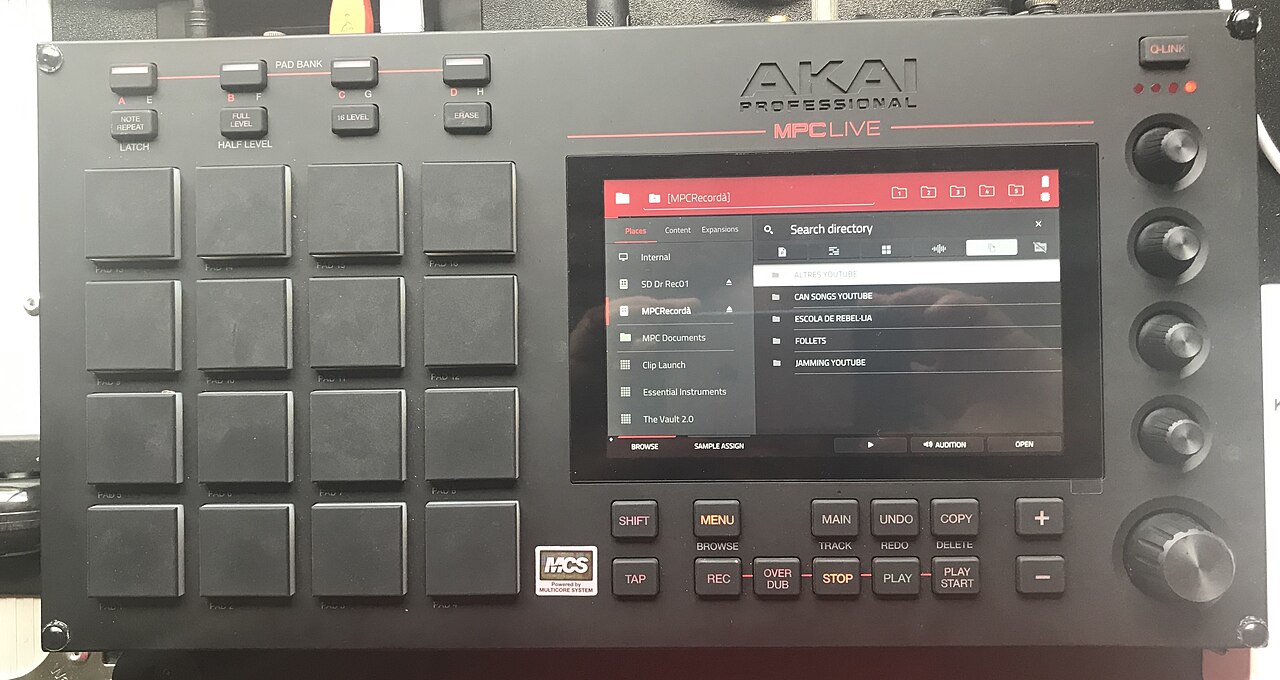
Photo: Akai MPC Live (2017) (opens in a new tab) by Joan Recordà (opens in a new tab), via Wikimedia Commons — CC BY-SA 4.0 (opens in a new tab)
Key takeaways
- Physical faders, knobs and transport buttons that drive your DAW over MIDI or Mackie/HUI protocol.
- It changes how fast you work, not how anything sounds.
- It changes nothing about the audio; it changes how many decisions per hour you make, especially for automation passes where a fader beats a mouse.
- Ride a vocal fader in real time on a control surface — one pass usually beats twenty drawn automation nodes.
- Watch out: buying a surface to improve mixes.
Quick checklist
- Can you define daw control surface in one sentence without looking?
- Can you point at daw control surface in a real session, mix or contract?
- Have you tried the practical move above at least once?
- Would you catch the common mistake before it costs you a take?
- Have you opened one of the primary sources below rather than a forum thread?
DAW CONTROL SURFACE IN DEPTH
A control surface gives you physical faders, knobs and transport buttons that talk to your DAW over MIDI or the Mackie Control/HUI protocol. It changes nothing about the audio; it changes how many decisions per hour you make, especially for automation passes where a fader beats a mouse.
How it works in practice
Ride a vocal fader in real time on a control surface — one pass usually beats twenty drawn automation nodes.
The mistake people make
Buying a surface to improve mixes. It improves speed and feel; the decisions are still yours.
WHERE DAW CONTROL SURFACE SITS
DAW control surface belongs to gear, instruments and tools in the Sampled music glossary. The boxes, controllers and sample formats a producer is expected to know by name — from the MPC to a one-shot.
TEST YOURSELF
0/3 answered · 0 correct
3 quick questions on daw control surface. Answers are marked instantly — nothing is sent anywhere.
1. Which statement best describes daw control surface?
2. What is the mistake people most often make with daw control surface?
3. In practice, which of these applies to daw control surface?
Ready for the full thing? Take the 25-question terminology test and get a certificate with your name and score.
SOURCES AND CITATIONS
Free, primary references for daw control surface — standards bodies, manufacturers, government offices and university course material. Each one lists the line of this entry it backs up.
- MIDI Association — MIDI articles (opens in a new tab)
Specification owner · The MIDI Association
“Physical faders, knobs and transport buttons that drive your DAW over MIDI or Mackie/HUI protocol.”— the claim this source supports
Why it counts: The body that publishes the MIDI specification, so this is the definition hardware and software are built against.
- Reaper — user guide (PDF) (opens in a new tab)
Primary reference · reaper.fm
“It changes how fast you work, not how anything sounds.”— the claim this source supports
Why it counts: Published by the organisation responsible for the thing being defined, so it is a first-hand source rather than a summary of one.
RELATED TERMS IN GEAR, INSTRUMENTS AND TOOLS
Back to the full music glossary or read our latest articles.