 SAMPLED
Why every musician needs to learn video editing in 2026
Short-form is how artists get found now. Here is what a video editing diploma teaches, what it skips, and whether learning to cut your own content is worth the 16 weeks.
Disclosure: This article contains affiliate links to Upskillist. If you sign up through one of these links, Sampled may earn a commission at no extra cost to you. We only recommend courses and tools we think are worth a creative's time.
28 days. No card. No excuses. Every Upskillist course opens with a full 28-day free trial — you don't hand over a card, nothing auto-charges, and you keep everything you learn. That is four weeks to actually change what you can do. Claim your 28 days free → (opens in a new tab)
The uncomfortable truth of releasing music in 2026: the song is only half the job. TikTok, Reels and Shorts are where an artist gets discovered, and none of it works without a steady stream of edits. If you are paying a freelance editor $80 to $250 a clip and posting three times a week, you are burning $1,000 a month before the music has earned a stream.
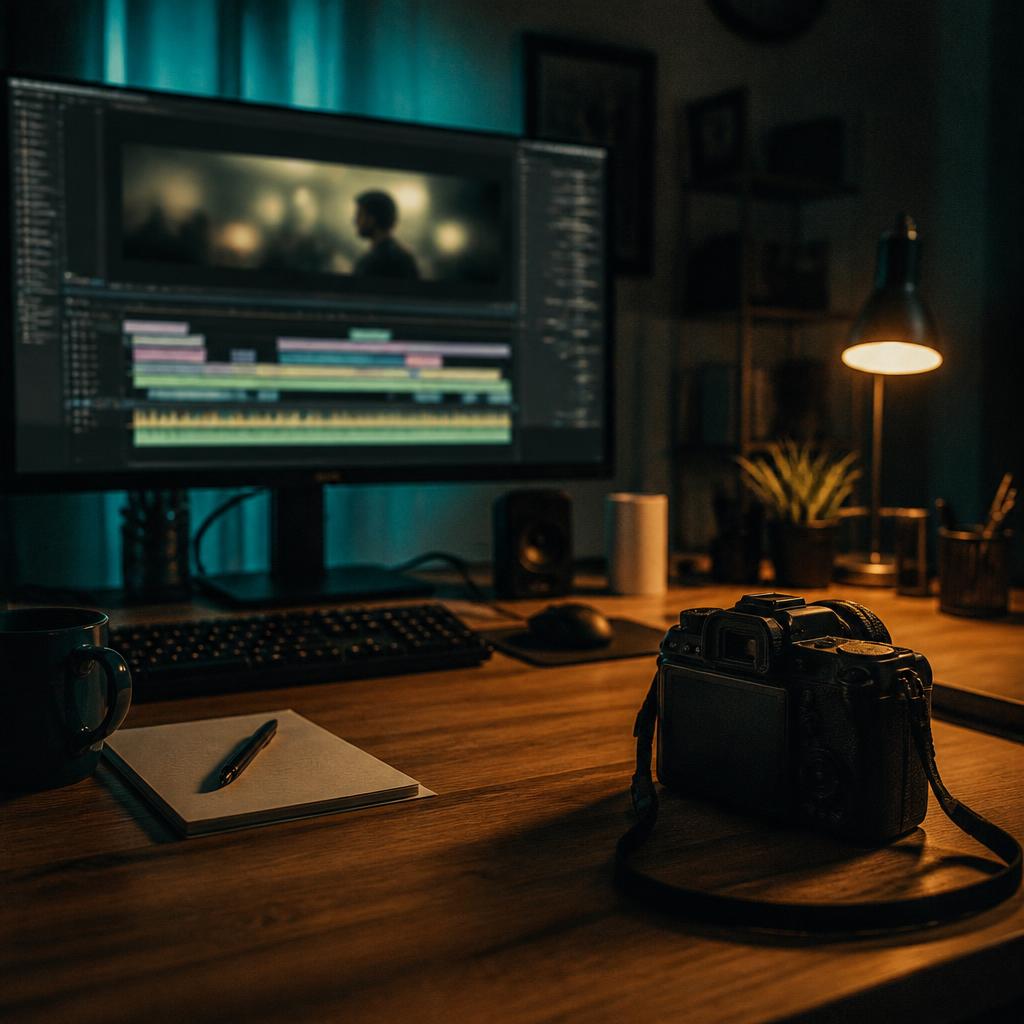
Upskillist runs a Diploma in Video Production and Editing (opens in a new tab) that covers the full pipeline — camera, editing, sound and color. This is what is inside it and how it actually holds up for someone whose end goal is short-form music content, not commercials.
What the course actually covers
The diploma is 4 modules, 32 lessons, self-paced across 16 weeks. It walks through production the way an actual set does: shoot first, cut second, mix and grade last.
The four modules are:
- Introduction to video production — camera basics, framing, composition, the language of shots (wide, medium, close). This is where you learn why your iPhone footage looks amateur even when the song is good.
- Video editing — cutting, pacing, transitions, working with a timeline. Software-agnostic principles, then hands-on.
- Sound for video — sync, dialogue cleanup, music beds. Musicians usually skip this and it shows.
- Color grading and export — LUTs, basic grading, export settings for social platforms.
By the last module you are expected to cut a finished short — intro, body, sound, grade, export — not a worksheet.
Where it actually helps a musician
Four places where the skills cash out fast:
- Sync-to-music cuts. Cutting to the beat is a learned skill. The editing module drills timing and rhythm, which is exactly what a Reel needs.
- Performance shots that do not look flat. Framing and shot language from the intro module fix the number-one problem with self-shot artist content: everything is a medium waist-up on a tripod.
- Sound that does not clip. The sound-for-video module means your vocals sit properly in a Reel instead of getting crushed by TikTok's loudness normalization.
- A consistent look. Color grading is why one artist's feed looks like a magazine and another looks like random uploads. The grading module gives you a repeatable process.
Stop reading, start doing. The next 28 days are already happening whether you use them or not. Open your free Upskillist trial → (opens in a new tab) — no card, no auto-charge — and finish this article knowing you already pressed go.
Where it does not help
This is a general video course, not a TikTok / Reels strategy course. It will not teach you hook-first storytelling, trend-based content, or platform algorithms. Those you pick up from actually posting and from following creator-economy voices like Colin and Samir on YouTube (opens in a new tab).
It is also not software-specific. The principles carry across Premiere, DaVinci Resolve and CapCut, but you will need to spend a week or two pairing the lessons with tutorials for whichever tool you use. Resolve, notably, is free from Blackmagic (opens in a new tab) and is the highest-value place to land if you do not already have a subscription.
Cost vs value
One outsourced edit runs $80 to $250. Ten of them and you are past what an entire Upskillist subscription costs. If you plan to post short-form for the next year at any real cadence, learning to cut your own clips pays for itself inside a month.
The 28-day free trial is worth using seriously. You can get through the intro and editing modules inside four weeks if you commit an hour a day, which is enough to shoot and cut your first real Reel before you decide whether to keep paying.
The honest verdict
If you are still paying someone else to cut every clip, this course pays itself off almost immediately. If you already edit but your content looks amateur, the shooting and grading modules are where the biggest jumps are.
Start the trial, treat the editing module like homework, and post something you cut yourself by week three.
Your move
Four weeks from now you will either have a new skill or the same feed. Start your free 28-day Video Production and Editing diploma → (opens in a new tab) — no card, cancel anytime, keep the momentum.